Create and edit songs by dragging and dropping chords. Transpose songs to any key. Generate print-ready PDFs. Analyze and display fingerings for chords, scales, and arpeggios.
by Thomas Grapperon★ 4.8383 ratingsMusic$4.99Data updated 2026-11-04
Displays musical chords for each key using Roman numerals. Audibly plays chords for practice. Shows chord positions on a keyboard layout. Helps users learn and identify chords visually and audibly.
Play with fingerpicking and strumming exercises. Access classic tunes like Dueling Banjos and Cripple Creek. Unlock modern songs from Mumford & Sons and The Avett Brothers with an in- purchase. Track progress and practice scales.
The app offers a comprehensive package for guitarists, including chord and scale references, arpeggios, alternate tunings, and a virtual guitar. It features a tuner, reverse chord/scale finder, and quizzes to enhance fretboard knowledge and playing.
The app tests user knowledge of music theory across five categories: Functions, Chords, Diatonic Chords, Scales, and Intervals. Users can customize quizzes by focusing on specific keys, chords, scales, or intervals.
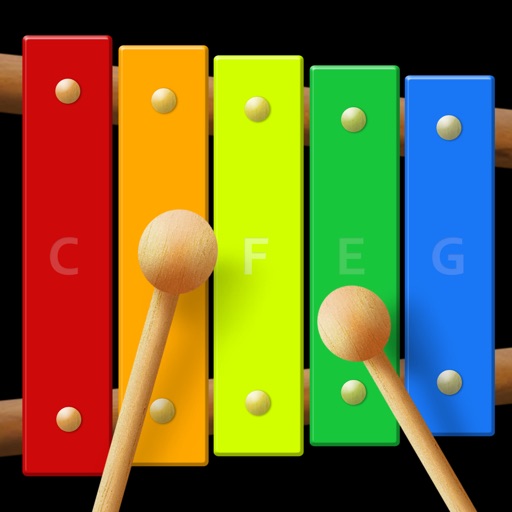
The app is a virtual xylophone application for iPod Touch, iPhone, and iPad. It features multi-touch for playing chords and includes xylophone mallets animation with retina display support.
Prepare and perform music with customizable setlists. View chords in numbers, transpose songs, and add capos. Save songs for future use, reorder tracks, and add notes during performances. Switch to performance mode for quick song navigation.
The app provides a virtual xylophone experience for iPod Touch, iPhone, and iPad. It features multi-touch capabilities for playing chords and an instant recording feature for solo duets.
The app imports and exports chords and tabs from a computer. It allows users to edit, search, and organize songs for offline viewing, with features for rehearsals and performances like setlists and on-the-fly transposition.
The app offers interactive ear training for musicians. It helps users develop listening skills for chords, inversions, intervals, and scales, with various modes and display options.
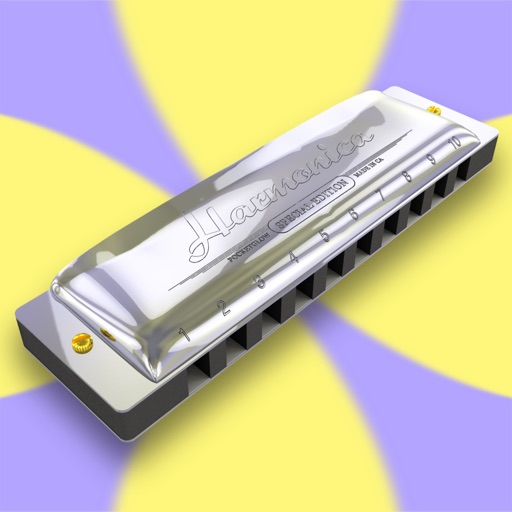
Play melodies using a sampled 10-hole diatonic . Access single notes, chords, blow, draw, and bend sounds across all 12 keys. Touch the screen to play without blowing. Record performances and share them directly.
For verses, choruses, and other sections. Record audio for each section separately. Use the Chord Picker to insert chords. View chords above in display mode. Add guitar tablature and chord diagrams.
Create chord sequences based on a root note and mode. Generate related chords using mathematical algorithms. Adjust complexity and freedom levels to control sequence variation. Integrate with DAWs as an AUv3 MIDI plugin.
Sing melodies, hear progressions, connect instruments
Learn music theory through videos and exercises. Practice reading sheet music daily. Identify intervals and notes with ear . Explore piano chords and scales. Connect instruments or voice for real-time feedback.
Access ukulele with detailed fingering and audio examples. Search for via built-in tools or Spotlight. View multiple chord positions and learn suggested finger placements.