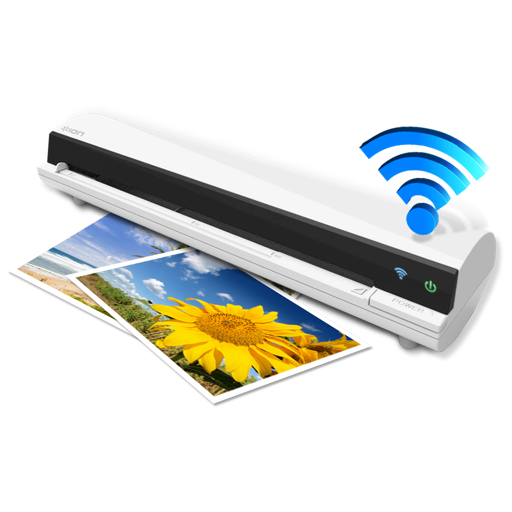
The app works with the ION Air Copy hardware, a portable Wi-Fi scanner. It scans photos, receipts, business cards, notes, and documents up to US Legal size directly to a Mac, then shares them via email or social networking.
by Ion Audio, LLC★ 0.00 ratingsProductivityFreeData updated 2026-10-10
Scan documents, photos, and ID cards to convert them into PDFs. Edit scanned files, adjust clarity, and save or share the documents directly. Export in PDF format and access saved files from the .
Scan documents and books to create PDF and JPEG files. Extract text from scans for editing and sharing. Capture notes and convert them into editable text. Share files directly or save to cloud storage.
Print documents wirelessly to AirPrint-enabled printers. Scan and convert documents to PDF. Add e-signatures to files. Share scanned documents via email or cloud services. Organize and manage files in a centralized digital workspace.
Documents and create PDFs with one tap. Edit text, add comments, and annotate pages. Convert files to PDF and export in multiple formats. directly via , iPrint, HP Smart, Canon, Epson, Brother, and more. Share documents via email or cloud services.
Connect to home computers, network drives, and cloud storage. Upload, download, and copy files between locations. Browse content with built-in viewers. Manage files across devices and integrate with iOS features.
Enables scanning into high-quality images or PDFs. Users can scan certificates, credit cards, invoices, receipts, tickets, and other papers. The includes OCR to extract text from scanned items with a single tap.
Documents, receipts, and notes as multipage PDFs. Auto-detect document edges and straighten pages. Add, resize, move, and delete signatures on any page. Email, upload to cloud services, and store files securely.
Scan QR codes, barcodes, and business cards to extract contact information. Use the PDF scanner to digitize documents. Play puzzles by scanning them. Extract data from Google Authenticator codes. Share scanned results via email or messaging.
OCRacle allows users to scan documents with real-time edge detection and flash control. Batch scanning supports multiple pages. can be extracted from scanned images. High-quality processing ensures clear results.
Allows users to scan physical documents into digital formats. Features include automatic detection, cropping, and saving as PDF or image files. Users can annotate, add text, and share scanned documents via email or messaging apps.
And save documents as PDF or JPEG. Organize files into folders. Attach multiple scans together. Share documents via email or messaging. Edit scanned pages and add notes. View history and manage storage.
Allows users to scan barcodes and QR codes. Sends real-time keystrokes to a computer via . Supports CSV file exports for scanned data. Enables keyboard emulation without copy-paste. Connects to computers on the same network.
Scan documents and save as PDF, JPG, or TXT. Use OCR to extract text from images. Share scanned files directly. Convert scanned text into editable formats. Organize and manage scanned documents within the .
Scanner allows users to extract from images, photos, screenshots, and PDFs with high accuracy. It supports over 92 languages and translates into more than 100 languages.
Turn your device into a document scanner with smart capture for multipage documents. Edit, , and share scanned files. Capture receipts, letters, invoices, and business cards with precise border detection. Enhance image clarity automatically.
Convert documents to PDF, Word, TXT, or images. Scan and edit pages with OCR text extraction. Share files directly or save to cloud storage. Organize and annotate scanned documents. Export in multiple formats for easy use.
Print documents, photos, and emails directly from your device. Scan and save documents as PDFs. AirPrint compatible with various Wi-Fi printers. Share printed files via email or messaging. Manage print jobs and settings from the .
Scan documents, receipts, and images using the camera or photo library. Convert images to PDF instantly. Edit scans with tools to crop, rotate, enhance, and adjust brightness and contrast. Organize files within the .