The app allows users to correct color casts or adjust photo warmth and coolness with presets. It offers a live split preview for comparing images and saving custom effect settings.
by 福恩 毛★ 2.36 ratingsPhoto & VideoFreeData updated 2026-10-10
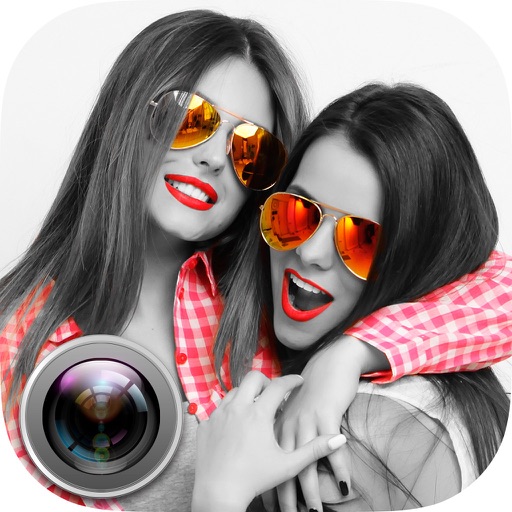
Convert photos to black and white, sepia, or mono formats. Apply splashes to specific areas using touch. Adjust effects like hue, saturation, and contrast. Add photo filters for enhanced visuals. Export edited images in various formats.
Paint images onto walls, paper, or canvases using a grid method. sections of an image with your phone's camera as a guide. Transfer photos to large surfaces for DIY projects or professional installations. No artistic skill required.
Edit photos to create black-and-white images with vibrant color splashes. images using brush strokes. Adjust colors and details for high-resolution output. Save and share edited photos.
The app allows users to apply smooth gradient patterns to photos, reviving memory colors. Users can edit gradient patterns, save custom sets, and share creations.
Photos with a single . Resize and optimize images effortlessly. Preview edits in real time. Adjust colors, rotate, and sharpen images. Remove unwanted areas or zoom in with precision. Share edited photos directly.
The app provides over 100 customizable glass effects across six categories. Users can alter images in real-time or from their photo album and save or share their creations.