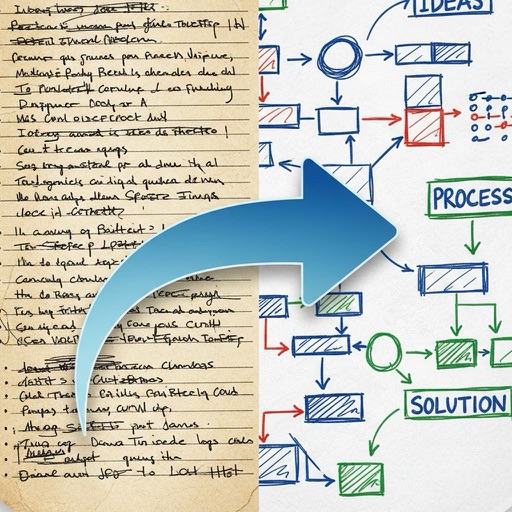
Create and edit diagrams, flowcharts, and notes with integrated text and symbols. Draw directly on the screen or use keyboard input. Share drawings via copy-paste or iCloud. Sync work between iOS, iPadOS, and macOS devices.
Create diagrams, flowcharts, and layouts with drag-and-drop elements. Add text, symbols, and shapes. Export as PDF or image files. Share directly or integrate with design tools.
Use to analyze photos, identify objects, and understand diagrams. Get writing assistance, research help, and code support. Solve problems with AI-driven analysis and personalized guidance.
The app provides tools for creating personal and branded content. Users can design graphics, collages, and marketing materials with templates, stickers, and editing features.
Create a professional PDF using over 100 templates. Get AI-powered suggestions for content. Edit and format offline. Export as PDF. Save and share directly.
Create notes and documents by hand with AI-powered recognition. Draw, sketch, and annotate PDFs on an expandable canvas. Convert to text and create diagrams with intuitive gestures. Organize content with layers and embed images.
Create music with a wide range of instruments, loops, and samples. Record and edit tracks. Export projects in multiple formats. Collaborate in real-time with others. Access advanced mixing and mastering tools.
Create and manage a knowledge base by saving text documents and web pages with formatting and links. Perform full-text searches and organize content using a browsable mindmap. Store all items in a local SQLite database.