Apps Like SpiroDesigner - spirograph app for iPhone and iPad
Draw beautiful geometrical art patterns.
The app draws geometrical patterns similar to the SpiroGraph toy. It allows users to design complex artwork and draw mathematical curves like cycloids and trochoids.
by Masahiko Fukuyama★ 5.01 ratingsEntertainment$2.99Data updated 2026-10-09
Create detailed technical illustrations and artistic designs with vector editing tools. Draw, reshape, and color elements with precision. Import and export files in multiple formats. Use layers, masks, and effects for advanced design work.
Create art using maps as a canvas. Choose from over 80 detailed maps to draw based on personal memories. Color streets to generate unique images. Save and share finished artwork.
Edit photos with tools like Pen, Line, Arrow, and Rectangles. Apply filters, effects, and enhancements. Add text, stickers, and adjust lighting and color. Remove blemishes and red-eye. Crop and resize images.
Use the to capture or select a reference image for painting. Adjust the canvas size to match the chosen window. Access grid options like the golden ratio or use no grid.
Allows users to create drawings using realistic strokes. Users can choose colors, adjust brush sizes, and apply effects. Artwork can be saved, shared, or exported. The interface supports freehand drawing and coloring activities.
Create and edit drawings with over 20 colors and adjustable brush sizes. Save drawings and their creation process in a built-in gallery. Replay or resume drawings at any time. Draw on iPhone, iPad, or iPod Touch.
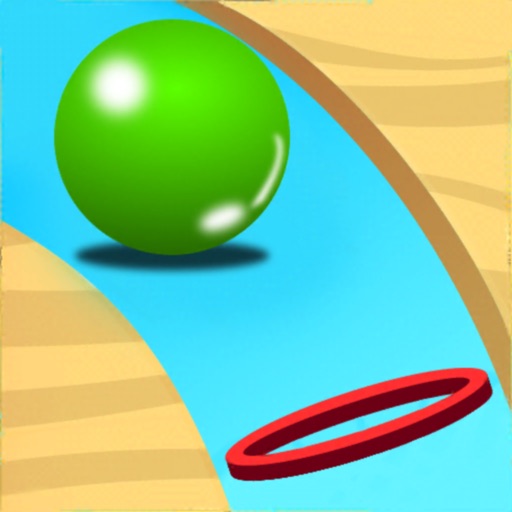
Move fingers to draw lines and guide balls to targets. Play in 3D platform levels with varied backgrounds and music. Use game controllers. No internet required. Levels increase in difficulty. Supports single player mode.
Teaches drawing through interactive lessons and animated strokes. Breaks down drawings into simple shapes. Allows users to practice on a digital canvas. Offers guidance for both beginners and experienced artists.
The app allows users to draw and sketch ideas with an easy-to-use interface. It offers various tools like pencil, line, oval, and rectangle, along with an eraser and undo/redo functionality.
The app develops a child's creativity by allowing them to draw with colors and create music. It helps children perceive links between color, sound, and shape, offering a unique sensorial experience.
Draw a -Rex by adjusting poseable limbs and joints. Use reference tools and skins for detail. Change camera angles and backgrounds. Animate natural movements for realistic poses. Select from various platforms and styles.
Create custom vehicles by drawing and attaching wheels. Place characters on the vehicle. Navigate through levels to reach the finish line. Play multiple rounds for entertainment.
A continuous to complete shapes without lifting your finger or retracing steps. Solve puzzles by connecting dots in a single path. Progress through increasingly complex challenges.