Apps Like SpiroDesigner - spirograph app for iPhone and iPad
Draw beautiful geometrical art patterns.
The app draws geometrical patterns similar to the SpiroGraph toy. It allows users to design complex artwork and draw mathematical curves like cycloids and trochoids.
by Masahiko Fukuyama★ 5.01 ratingsEntertainment$2.99Data updated 2026-10-09
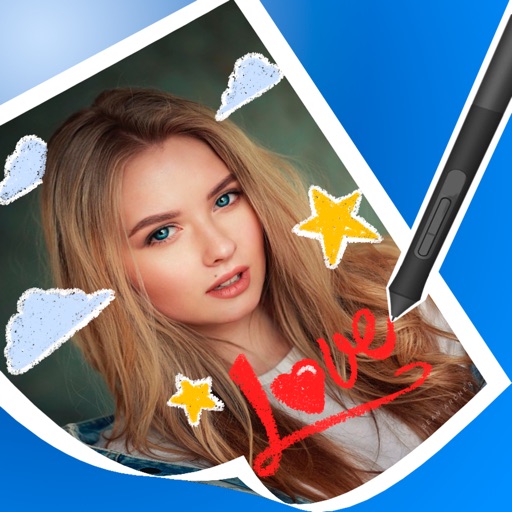
Create drawings using 13 like glow neon, crayon, and chalk. Draw on a color canvas or edit photos. Save drawings and animations to the built-in gallery. Record drawing sessions as videos and replay them.
PLAY AND LEARN EDUCATIONAL GAMES FOR KIDS PLEI END LERN EDYUKESHINAL GEIMS FO KIDS, TOO
Draw, paint, and create with fun animals
Draw with brushes, markers, or crayons on various pages. Trace shadows to identify animals. Tap blocks to create pixel art. Collect stickers. Paint with vibrant colors and patterns. Choose from multiple pages.
Access -themed pages and drawings. Create and customize artwork with easy-to-use tools. Share finished drawings via the . Includes a pixel art workshop for detailed designs.
On an with multiple colors and add typed text to illustrations. Erase or delete drawings. Choose background colors for the . Save creations and share via email or Facebook. Additional markers and backgrounds available in the complete version.
Draw lines to collect colored circles while avoiding black holes. Lines move autonomously after being drawn. Explore open-ended levels with multiple solution paths. Create and animate drawings that respond to touch. Share custom artwork and levels.
Practice handwriting, draw spirals, strengthen motor skills
Practice handwriting with customizable drawing tools. Adjust painting speed for different skill levels. Use varied colors, thickness, and calligraphy effects to enhance motor skills and penmanship accuracy. Track progress through repeated exercises.
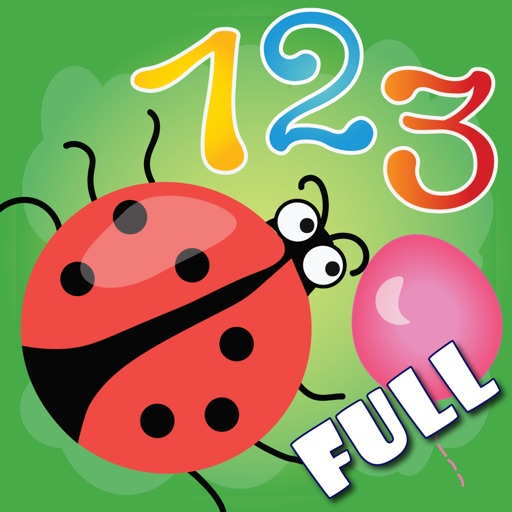
The app teaches children arithmetic, number recognition, and problem-solving through interactive coloring. It develops memory, attention, imagination, and logical abilities with various coloring modes.
The app allows users to create spiral drawings with colorful gears and rings. Users can import photos, use multiple drawing modes, and save or share their creations.
Create digital art with customizable brushes and layers. Adjust brush settings for pressure and flow. Use Apple Pencil for precise strokes. Save and export artwork in various formats. Import images for tracing or blending.
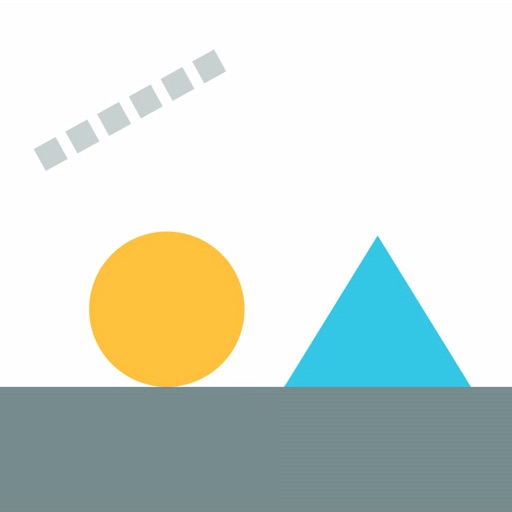
Draw the line! Hit the same colors! Navigate a seesaw by balancing weights on each side. Match colors to clear stages. Play with triangles, circles, and rectangles. Complete over 300 levels. Add new stages regularly.
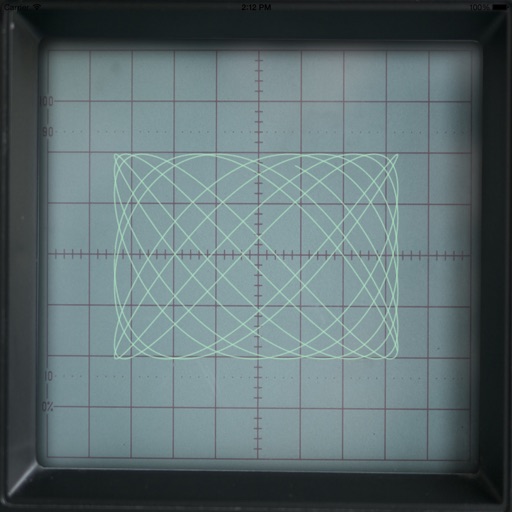
The app generates Lissajous curves by combining horizontal and vertical electron beam motion. Users can tap the screen for a spirograph-like representation and adjust parameters like amplitude, frequency, and phase difference to alter the curve.
Create pixel art using a grid-based drawing interface. Draw with customizable colors and brush sizes. Share artwork directly to social media or the in- community. View and comment on other users' pixel art.
Create drawings with customizable tools and colors. Adjust tool sizes and transparency levels. Undo or redo actions, clear drawings, or wipe off sections. Add blank paper to reset the . Change background and save preferred marker settings.
Create art with layer editing tools including adding, deleting, duplicating, hiding, sorting, and grouping layers. Use blend modes and transparency settings. Access various tools like pen, eyedropper, eraser, and selection.