Apps Like SpiroDesigner - spirograph app for iPhone and iPad
Draw beautiful geometrical art patterns.
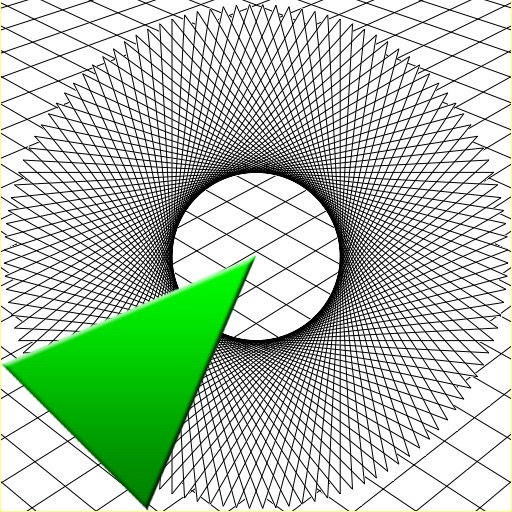
The app draws geometrical patterns similar to the SpiroGraph toy. It allows users to design complex artwork and draw mathematical curves like cycloids and trochoids.
by Masahiko Fukuyama★ 5.01 ratingsEntertainment$2.99Data updated 2026-10-09
The app allows users to draw and play in 3D using various shapes, animations, and colors. Physics simulation and effects can be enabled for additional enjoyment, and users can export images and videos of their creations.
Create drawings using colors and effects. Select from animated characters and scenes. Add stickers and animations. Save and share creations. Explore themed pages featuring animals, unicorns, desserts, and kawaii characters.
Create kaleidoscope patterns by swiping fingers across the screen. Adjust the number of lines and line color. Use multi-touch for advanced control. Save generated artwork to the device's Camera Roll.
Create artwork using paint, glitter, stamps, brushes, stickers, or camera snapshots. Design bugs and animate them with finger taps. Learn to draw using interactive bug templates. Race custom bugs against 13 competitors in Bug Race.
The app allows users to draw geometric shapes using a compass and ruler. Users can draw lines or circles with a pencil or paintbrush, and save or print their creations.
Create 3D structures by applying to draw circles that expand with force. Use 3D Touch to generate random color profiles and explore sensitivity. View dynamic color changes and interactive drawing effects.
Calculate geometric properties for 26 shapes, planes, and solids. Input dimensions to find area, perimeter, volume, and surface area. Access formulas for triangles, polygons, circles, and 3D solids.
Create and color images using pre-designed templates or a blank canvas. Access a variety of drawing tools and color options. Save and share finished artwork. Develop drawing skills and foster creativity through interactive features.
Learn programming concepts through visual commands. shapes by instructing a turtle to move and turn. View programs and drawings side by side. Toggle full screen for larger drawing area. Adjust turtle movements to create complex designs.
Allows children to color and draw using a variety of templates and tools. Features include adjustable brush sizes, color palettes, and undo functions. Users can save and share artwork.