Apps Like SpiroDesigner - spirograph app for iPhone and iPad
Draw beautiful geometrical art patterns.
The app draws geometrical patterns similar to the SpiroGraph toy. It allows users to design complex artwork and draw mathematical curves like cycloids and trochoids.
by Masahiko Fukuyama★ 5.01 ratingsEntertainment$2.99Data updated 2026-10-09
Lets users solve math puzzles using emojis. Each puzzle represents a mathematical equation. Users can tap emojis to reveal numbers and solve equations. The offers varying difficulty levels and tracks progress.
Create art using 1x1 themed squares. Choose from multiple color options. Save images to device, share via social media, or print for display. Draw classic 8-bit sprites or -themed artwork.
Construct geometric shapes using points, lines, circles, polygons, and angles. Drag points to explore interactive . Measure lengths and areas. Transform shapes through mirroring, rotating, and dilating.
Draw with a partner using a shared theme and time limit. Split into face and body sections. Use a RoomID to join or create a session. Share drawings and compare results.
The app is a drawing, animation, and tilemap application. It allows users to create spritesheets, edit frames, and export creations to PNG, animated GIF, and CSV files.
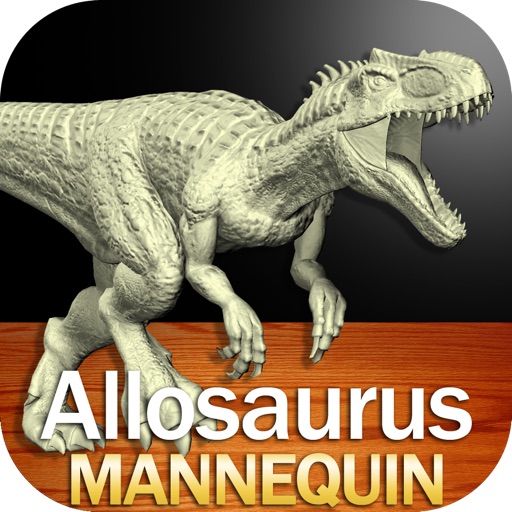
Create and customize drawings of an with poseable joints and adjustable limbs. Select from various skins and backgrounds. Adjust camera angles, zoom, and lighting. Use animations to guide realistic poses and movements.
Create and manipulate melodies using a generative sequencer. Generate interwoven melodies with phase offsets and probability settings. Manually draw notes or disable generation. Send MIDI to external devices or use an included wavetable synthesizer.
Learn letters, numbers, and shapes by tracing. Add and customize up to 100 personal words or names. Rearrange or delete entries in the list. Practice writing names and basic words through interactive tracing exercises.
And drawing with printable pictures and blank pages for custom artwork. Features include zoom functionality, video replay, and realistic tools. Users can create and share their own drawings.
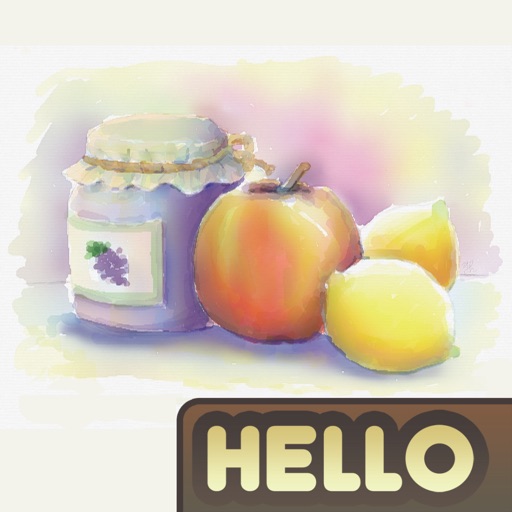
The app simulates watercolor blending and spreading behaviors using fluid simulation technology. It supports techniques like wet-in-wet, wet-in-dry, dry brush, and dry on wet, along with pencil sketching.
Solve puzzles by drawing one continuous to connect points. Complete levels with logical paths and creative solutions. Track progress and unlock new challenges. Share achievements with friends.
Create that pop with sound, float across the screen, and fall due to gravity. Draw letters, numbers, and shapes with touch input. Interact by touching to move and explore simple drawing features.
Create detailed drawings of a with poseable limbs and adjustable joints. Use reference tools and skins to enhance realism. Adjust camera angles and select from various backgrounds and platforms. Animate natural movements for accurate posing.
The app allows users to draw geometric shapes, color drawings, and retouch photos. Users can share their creations with friends using different drawing tools and colors.