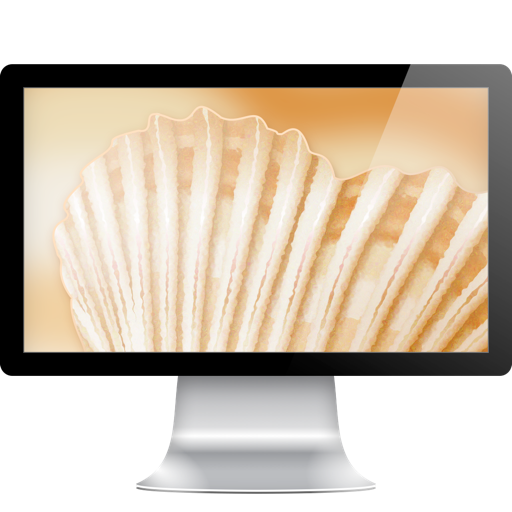
The app extends images artistically to fit a user's desktop screen. It renders a beautiful environment that matches photo colors and fits the screen exactly.
by Vogelbusch & Co★ 0.00 ratingsGraphics & DesignFreeData updated 2026-10-08
Remote desktop access with low-latency H.264 protocol. Transfer files between devices. Connect using Apple Screen Sharing, VNC, or RDP. Sync computers and credentials across devices. Automatically sync clipboard data.
Mirror device screens wirelessly or via USB to any browser or device. Share up to five screens at once. Remote control mobile devices. Sync with Windows, Mac, and iOS. Access screen sharing through a web browser without installation.
View and download high-quality images for lock screen or home . Set images as wallpapers with a single tap. All images are available offline and optimized for portrait orientation.
Backgrounds and erase unwanted using AI. Enhance photo quality and transform images with advanced editing tools. Edit multiple layers and apply filters. Share edited photos directly from the .
Create 3D scenes with 360° technology. Replace backgrounds with virtual environments. Move freely within scenes to capture photos and videos from multiple angles. Adjust lighting to match real-world conditions. Import photos to use as backgrounds.
Resize photos to format without cropping. Apply filters, add text, emoji stickers, and customize background effects. Share directly to social media platforms.
HD Wallpapers lets users browse and set high-resolution images as device backgrounds. Categories include nature, abstract art, and more. Users can customize their home screen with curated visuals. Wallpapers can be applied directly from the .
Access computers remotely with full control. View and interact with Mac, Windows, Linux, or Raspberry Pi . Transfer files between devices. Lock or restart computers remotely. Use touch gestures for navigation.
Customize home screen with icons, , and widgets. Set custom icons in one tap. Add lock screen widgets and choose from wallpapers. Support 100+ apps. Use packs and for personalized style.
Clean up and organize contacts to remove duplicates and outdated entries. Optimize storage by deleting similar images, duplicates, and screen recordings. Secure device performance with deep cleaning tools and data protection features.
Customize Home and Locked Screen with HD Retina images. Edit professionally. Share creations with community, save favorites, and follow friends. Receive daily wallpaper updates.
Customize lock screen with artistic layouts and notch templates. Choose from 50+ notch designs. Set background images and themes. Adjust layout to fit device dimensions. Save and apply custom designs.
Calculate PPI by inputting screen dimensions and pixel count. Explain PPI vs DPI and dot pitch. Provide formulas and resolution categorization. Include definitions and user comments on related terms.
The app allows users to place unlimited docks on their desktop for files, folders, and applications. Users can customize dock positioning, visibility, and labeling for faster launching.