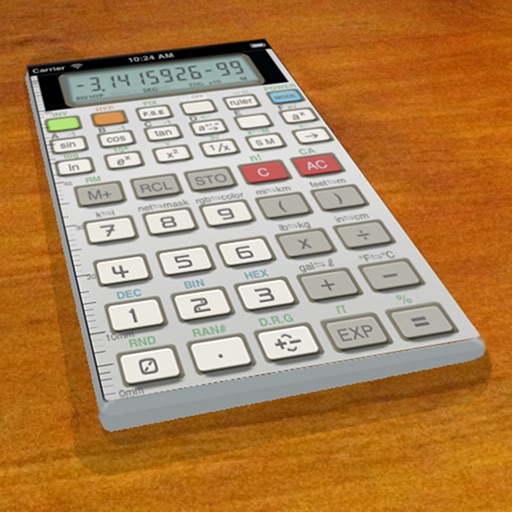
A vintage-style scientific calculator with a retro LCD display and realistic key sounds. Perform basic and advanced calculations, use shift functions, and access additional modern features like parentheses and memory storage.
by Paul SALANITRI★ 4.619 ratingsUtilitiesFreeData updated 2026-09-08
A and unit/currency with a clean interface. Convert between 500+ units across 29 categories and 161 currencies. Customize colors and display selected units. Enter values to instantly convert between units.
Change the wallpaper with animated scenes featuring sharks, clownfish, and blue tang. Swipe through multiple wallpapers to select favorites. Save preferred wallpapers to the Camera Roll for later use. Requires iPhone 6s or later.
The app provides a calculator with basic functions in portrait mode and expanded features in landscape mode. It includes several specialized calculators for fractions, units, discounts, and tips.
The app allows users to tap colorful balls that roll across the screen. The ball's movement is influenced by the smartphone's tilt and gravity, creating a relaxing experience.
Take by hand with support for multiple fingers and smooth writing. Choose from four colors: black, red, blue, and green. Switch colors via a button. Write directly on the screen without additional tools.
Create and run notebooks offline with embedded Python. Write and execute code snippets, add markdown text, and include scientific computation packages. Save and share notebook files directly.
Control DVR functions remotely with keyboard input and automatic discovery. Rotate device for QWERTY keyboard access. Connect via Bonjour or manual IP/port entry. Use "Premiere" mode for compatible DVR models.
Perform calculations with fractions, trigonometric functions, statistics, and exponential/logarithmic operations. Use exam mode for test environments. Replace traditional calculators with this tool for math and science learning.
Emulates the TI BA II Plus with the same layout and functions. Users can perform financial calculations, solve time value of money problems, and view all variables simultaneously.
The app provides tools for scripture memorization, including a word removal tool, flashcards, and audio recording. It also offers organization features like custom folders and search functionality to help users find and study verses.
Offers advanced baluster layout calculations for railings and staircases. Users can input measurements and receive precise spacing and quantity estimates. The simplifies complex construction math with intuitive tools and real-time adjustments.
The app offers standard, scientific, statistical, and date math calculator functions. Users can scroll through operations, make changes with instant results, and save formulas or history.
The app provides a full-screen window with a solid color or desktop picture to capture clean screenshots. Users can change the color or picture via preferences and control the menu bar, dock, and mouse cursor.
The provides 74 calculators for various tasks. Users can perform financial calculations, scientific computations, and unit conversions. Features include loan calculations, equation solving, and unit conversion tools.