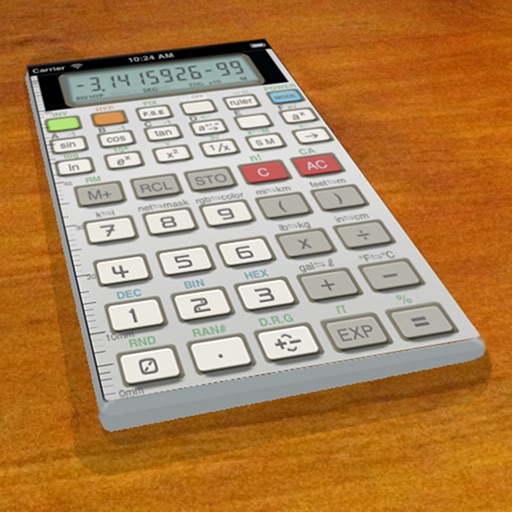
A vintage-style scientific calculator with a retro LCD display and realistic key sounds. Perform basic and advanced calculations, use shift functions, and access additional modern features like parentheses and memory storage.
by Paul SALANITRI★ 4.619 ratingsUtilitiesFreeData updated 2026-09-08
The app displays the time with large, clear red digits that are easy to read in the dark. Users can control brightness with a swipe and choose between 12h or 24h format.
Perform complex calculations using RPN entry system. Access hyperbolic and inverse hyperbolic trig functions. Calculate probability, factorials, and percentages. Support absolute, integer, and fractional values. Generate random numbers.
Perform basic and complex calculations with a minimalist interface. Large buttons and a display show current input and calculation history. Supports portrait and landscape orientation. Includes AI-powered problem-solving for advanced operations.
Calculate with scientific and engineering notation
Perform scientific and engineering calculations with support for notation like 1E-6 and multipliers such as p, n, u, m, k, M. Edit formulas, recalculate, and view calculation history.
Perform basic and advanced calculations with a scientific . View and edit calculation history. Correct entries using backspace. Switch between decimal point and decimal comma formats.
Allows users to perform basic and advanced mathematical operations. It includes a sidebar and tab bar for navigation and data sharing. Users can drag and drop entries to create new windows or use the context menu to generate new windows.
Perform calculations a large, easy-to-press button layout. Display results in clear, readable text. Includes a cat animation for visual appeal. Share results via social media or email. View calculation history.
Calculator allows users to perform basic arithmetic operations. It features a clean interface with minimal buttons. Users can add, subtract, multiply, and divide numbers.
Calculator helps users compute offsets and rolling offsets for precise layout planning. Input measurements to calculate basic or advanced rolling angles. Generate detailed reports and save calculations for future reference.
Slow down for clearer communication using Delayed Auditory Feedback. Adjust delay settings and volume. Track progress over time. Sync with Apple Health for data. Receive real-time feedback during therapy sessions. Set custom reminders for practice.
Allows users to perform complex calculations with a natural equation entry system. It supports split screen, wireless keyboards, and Apple Watch integration. The displays full equations in real time and offers dark mode for enhanced readability.
Set , text message sounds, and notification alerts using customizable sound effects. Save selected sounds as . Use for pranks, videos, or personalization. Play predefined sounds for notifications and alarms.