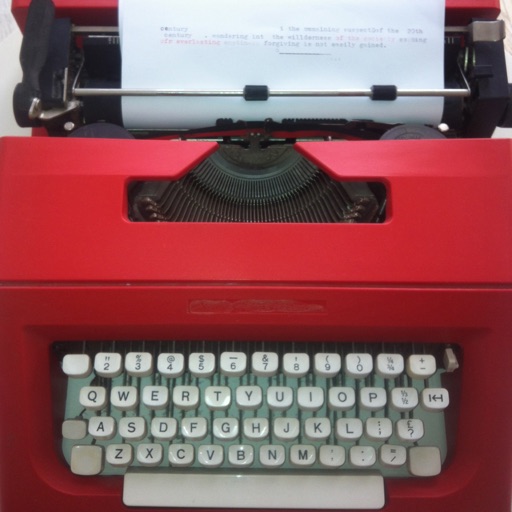
Write and organize plain text files in libraries. Access documents via swipe. View character, word count, and reading time. Support multiMarkdown for formatting. Hide navigation bar for focused writing. Link favorite libraries for quick access.
by Nicolas Kick★ 4.735 ratingsProductivityFreeData updated 2026-09-08
Edit PDFs with text editing, signature tools, and drawing features. Annotate pages with highlights, comments, and stamps. Convert files to other formats and manage documents through organization and sharing options.
Edit text vertically with a dedicated interface. Adjust font size and style. Save and export documents in various formats. Share files directly or copy text to other apps.
Manage tasks with dual AI system for everyday and complex work. Use Chat Agent with multiple models for conversations and SuperNinja Agent for autonomous projects. Perform parallel tasks quickly and handle large text inputs efficiently.
Scan documents, photos, and papers to create JPG or PDF files. Remove backgrounds and adjust image settings. Convert scanned images to editable text using OCR. Share documents and manage files within the . Edit Word and Excel files directly.
The app manages documents, videos, music, and books from cloud services. It allows users to download, share, edit, and create files on their iPhone or iPad.
A vertical with illustrated designs allows users to add daily memos, switch between heading-only and full text views, and attach up to five sticky notes per date.
Create professional business letters with automatic formatting based on industry standards. Store contacts to fill in address details, headers, footers, and salutations. Generate identical letters for multiple recipients.
Convert PDF drawings into editable documents with smart line detection. Measure distances and angles precisely. Export annotations and share files directly. Sync with cloud storage and view layered drawings.
Organize and manage PDF documents with tagging, folder structure, and metadata. Use AI to search, summarize, and extract key points from text. Highlight and annotate content. Export citations and generate references.
The app provides five Armenian keyboards for iOS, supporting Western and Eastern Armenian with a unified phonetic layout. It includes gesture typing, text navigation, and mathematical calculations, with multiple themes available for each layout.
Rewrite text to sound more natural and authentic. Choose from Standard, Formal, or Creative modes. Edit grammar, rephrase sentences, and improve clarity. Save and export changes directly.