
iPhone Screenshots


Description
Key Features:
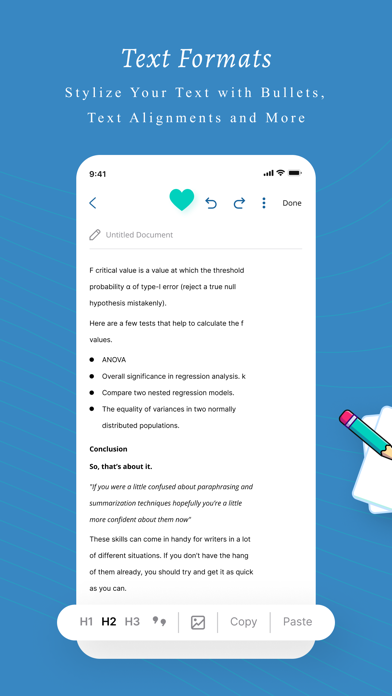
Rich Text Editor: Our powerful editor offers various formatting options, including bold, italic, underline, ordered and unordered lists, and image insertion. Customize your documents with ease and style.
Title Bar: Keep your documents organized and easily accessible with our unique title bar feature, a rarity among popular notepads.
Instant Search: Find your documents quickly using our real-time search tool
Full Screen: Maximize your workspace with our full-screen feature, allowing you to focus on your content without distractions.
New Page: Create new documents effortlessly with a single click, opening them in a new tab for a smooth workflow.
Upload & Download: Import documents in various formats ( .doc, .pdf, .text,), and download your notes as Word documents, PDFs, or text files for offline use.
Document Management: Access, edit, and saved notes with ease through our convenient document management system.
Clone: Duplicate your notes in a snap for easy revisions or to create multiple versions of a document.
Share: Collaborate with others by sharing your notes directly, via email, or through social media platforms.
Experience a complete note-taking ecosystem with online notepad, the ultimate online notepad that works even without an account.