The app offers basic drawing tools for quick creation and image manipulation. Users can add text, resize, rotate, flip, crop, and combine images, with full undo/redo support.
by 勇 陈★ 0.00 ratingsUtilities$9.99Data updated 2026-10-07
Offers a blank white screen for tracing. Users can add, resize, rotate, and move images using on-screen gestures. effect, screen brightness control, and screen locking are available. Image brightness and contrast can be adjusted.
Identify colors using the camera. Preview and save matched colors from brands like Sherwin-Williams, Benjamin Moore, and Dulux. Compare swatches side by side. Save and organize palettes for future projects. Share codes and swatches with others.
The app provides vector drawing tools including lines, shapes, and freehand drawing with vectorization. Users can edit object attributes, use snapping functions, and manage drawings across multiple layers and an object library.
Resize and crop photos in batches, adjust dimensions, rotate, or delete multiple images at once. Save edited photos to camera roll, email, or Dropbox. Customize resize settings and export to a working directory without altering original files.
PDF documents by selecting files and combining them into one organized file. Rearrange pages, rotate pages, and maintain document quality during merging. Export merged files and manage PDFs offline without watermarks.
Turn photos into paintings using 30 brush presets and 500+ bitmap brushes. Adjust stroke settings including size, rotation, shadow, and opacity. Support layers and import Photoshop brushes. Export and share edited artwork.
Create digital paintings with 6 brush types and full layer support. Use 6 smart guides for perspective, symmetry, and radial effects. Apply 8 Core Image filters and customize colors. Save and manage artwork in a gallery.
Create and playback digital paintings with precise stroke recording. Share doodles on social platforms like Facebook, QQ, or Weibo. View, like, and comment on others' artwork. Save playback files which take less storage space than video.
Create and customize for iMessage conversations. Use markup tools to censor, blackout, or redact content. Resize and rotate before placing them. Share across messages and personalize with over 70 designs.
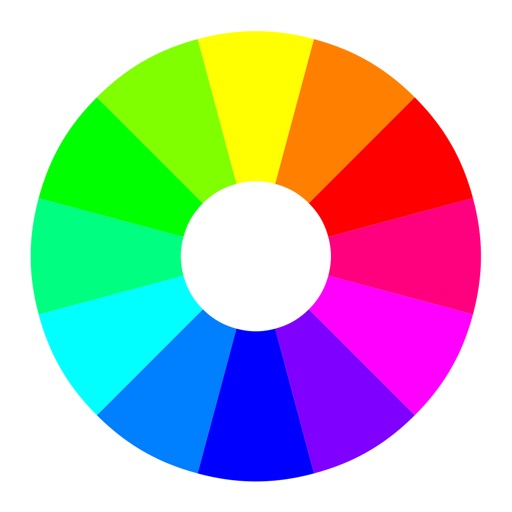
Select a starting color using the color wheel. Find matching paints from various manufacturers. Discover complementary color options. Save and share schemes for wargaming.