The app organizes and customizes icon files including ICNS, ICO, SVG, and PDF. Users can import icons, add tags for searching, and group them into Collections for tidiness.
by Massimo Moiso★ 0.00 ratingsGraphics & DesignFreeData updated 2026-10-06
Customize iPhone and iPad Home and Lock Screens with , live wallpapers, and icons. Create custom wallpapers, , and . Apply coordinated instantly. Add interactive and dynamic backgrounds.
Store and generate secure 2FA tokens for online accounts. Encrypt data both in transit and at rest. Back up 2FA codes and passwords to iCloud with encryption. Access tokens across devices. Manage multiple accounts with individual security settings.
Customize icons with hundreds of color, theme, and style options. Replace default icons with hand-made designs. Change wallpapers and to match chosen . Sync icon changes across devices.
Customize iPhone and widgets with personal photos. Edit and widgets easily. Choose from daily updated content sets. Apply customizations to home screen and lock screen. Sync with iOS 18.
Customize home screen with themes, , and . Replace with personal photos. Create shortcuts for selected apps. Comment, create custom , and share designs via timeline.
Save frequently used text with a custom clipboard that includes sentence presets and multiple fonts. Insert emojis based on text input. Send saved messages directly from supported apps using a globe icon on the .
The app displays information about the total, available, and used storage on the user's iPhone and iPod Touch. Pro features include a Today Widget for storage display, notifications for low storage, and custom app icons.
Create vector art using Bézier tools and Apple Pencil. Convert sketches or photos to SVG format. logos, icons, illustrations, and UI assets. Export vector files for production use. Refine curves and edit vector drawings directly.
The app allows developers to preview application icons on the user's dock. Users can drag and drop various image file types to see how icons appear without building a dummy application.
Manage tasks with hierarchical lists, subtasks, and priorities. Attach notes, files, and due dates. Sync with on Mac. Integrate with Reminders. View progress with timeline and calendar views. Share tasks across devices.
Digitize documents using the iOS document scanner. Extract text from images with on-device OCR. Organize files and automate tasks with over 100 actions. Create custom workflows to streamline repetitive processes.
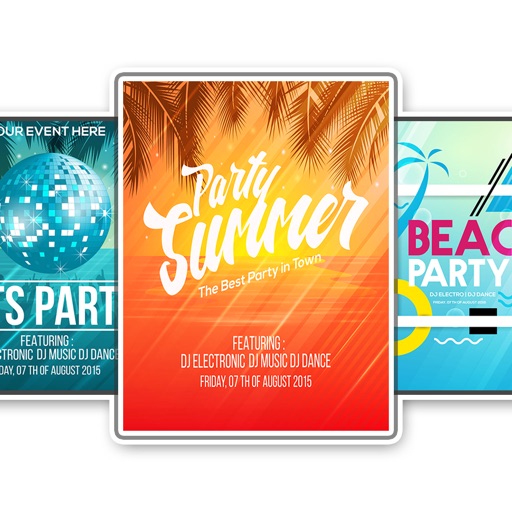
Create flyers, logos, and graphics with customizable templates and icons. Edit designs with professional tools. Upload or use images from a library. Export files for print or online publishing.
Customize home screen icons with a library of icons and color options. Apply flat colors or gradient backgrounds. Use pre-made theme kits and packs like Gradient or Dark Cat. Edit combinations and apply new to change the phone's appearance.