
iPhone Screenshots

Description
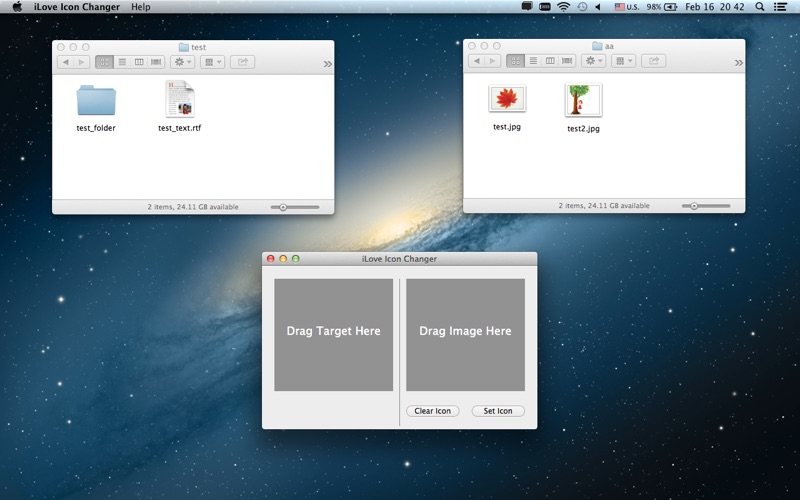
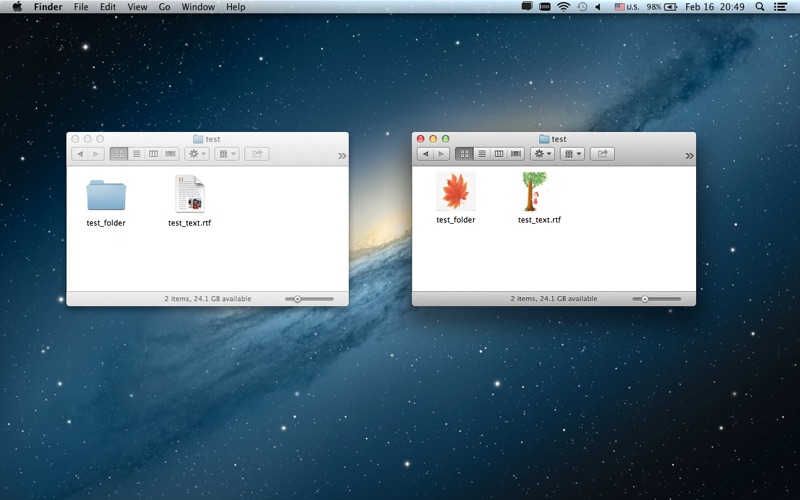
iLove Icon changer is an utility which allows you to customise the icons of the files, folders, shortcuts on your Mac.
It is very easy to use:
1> Open the app, drag and drop the file, folder or shortcuts into the left hand of the window.
2> Choose a proper icon you want to set as an icon, drag and drop into the right hand of the window.
3> Click on "Set Icon" button. Done!