The app allows users to build templates for events that occur irregularly and paste them into the user's Calendar. Users can stop going through the tedious process of providing every event detail over and over again.
by Christian Tietze★ 4.09 ratingsProductivity$1.99Data updated 2026-10-06
Manage events and reminders with a unified view. Add events using natural language. Sync with Google, Exchange, iCloud, and other calendars. View days and months with intuitive layouts. Access premium features via subscription.
Lite allows users to create and access custom text templates directly from the . Templates can include phrases, addresses, or responses. Users can switch between categories and insert text with a single tap.
Manage duty schedules with a customizable and share shifts with colleagues via simple taps. View upcoming shifts using a widget and track vacation days with a counter. Create groups to sync team schedules and monitor all shifts in one place.
The app allows users to create typed notes with integrated voice recordings and photos. Notes are color-coded for organization and can have reminders set.
Create and reuse message templates to avoid repeating text. Save and favorite emojis directly from the . Store personal notes for quick access. Send long messages to multiple contacts with one tap.
Digital Legal Tech, Societatea cu Raspundere Limitata
Plan tasks and schedule events
Plan schedules by adding appointments, to-do lists, tasks, and recurring events. Turn pages to switch weeks. Organize and track progress with a digital diary interface.
Schedule meetings and manage time with views. Sync events with Google . Connect to to add docs, projects, and timelines. Support multiple time zones for global scheduling. View all events in one unified interface. Switch between light and dark modes.
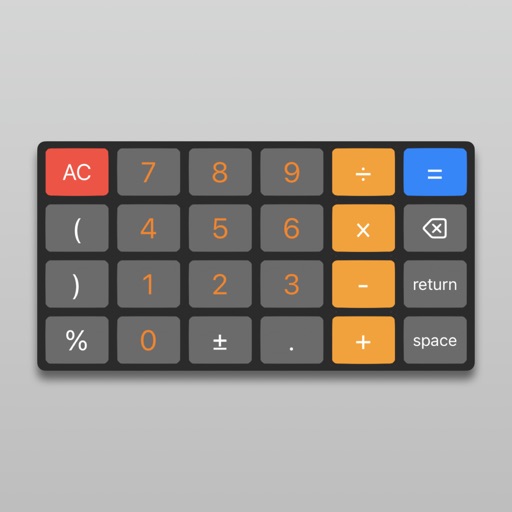
Perform calculations using a scientific or voice input. Access calculation history by swiping down. Copy and paste values. Switch between light and dark themes. Enable larger buttons for easier use.
Allows users to copy and save frequently used text for quick access. It includes a customizable for pasting saved messages. Users can add, edit, and organize text entries efficiently.
The app allows users to create typed notes with integrated voice recordings and photos. Notes are color-coded for organization and can have reminders set.
Meetings, set reminders, and manage events across Google and Microsoft Outlook. Sync calendars, share event details, and receive notifications. Customize views and integrate with team tools for collaborative planning.
Organize carpools with multiple drivers and riders. Schedule trips easily and receive updates via push notifications or email. Create and friends profiles. Track stats for drivers and riders (Pro). Sync events to your (Pro).
Fill template texts instantly from your keyboard. Store frequently used phrases, replies, and contact information. Access saved content with a single tap. Avoid repetitive typing for emails, addresses, and account details.
Create and modify events using drag-and-drop gestures. Sync with Google Calendar. View and edit dates and events intuitively. Upload events to Google Calendar. Adjust event dates by dragging. Manage schedules efficiently on iPhone or iPod Touch.
Save frequently used text snippets on a personal pasteboard. Access and copy text quickly from a toolbar. Edit fonts and choose between dark or light themes. Sync with Instagram, WhatsApp, Messages, Snapchat, and Tik Tok.
Manage events and tasks with natural language input. View schedules in day, week, month, quarter, and year formats. Add tasks and set time zone preferences. Sync data across devices.