The app transforms Philips Hue lights into a dynamic lightshow by reacting to music or cycling through custom color themes. It offers a strobe feature and mood settings with adjustable transition times and brightness.
by iMakeStuff★ 1.01 ratingsEntertainment$7.99Data updated 2026-11-15
Organize play by inviting friends, joining lobbies, and tracking match history. View in-game updates, news, and event schedules. Access character guides, patch notes, and game tips.
Locate lost by clapping or speaking. Activate ring, flash, or vibration even in silent mode. Set voice passcode for secure access. Prevent theft with sound-based tracking.
The app allows users to mix music with automatic ordering and visual effects. Users can create playlists, adjust mixing settings, and synchronize with Philips Hue lights.
Edit photos with filters, stickers, and makeup tools. Smooth skin by swiping over wrinkles and blemishes. Reshape face and body with 21 micro-adjustments. Beautify photos with one tap. Apply magic sky filters and other style options.
Play files from your device with support for all formats. Adjust sound using a built-in equalizer with bass boost and reverb effects. Browse and organize songs. Control playback with a simple, stylish user interface.
Sync devices via Bluetooth to create synchronized light displays. Tap screen for navigation. Calculate meal taxes and split bills. Find friends in crowds during parties or raves. Control disco for events.
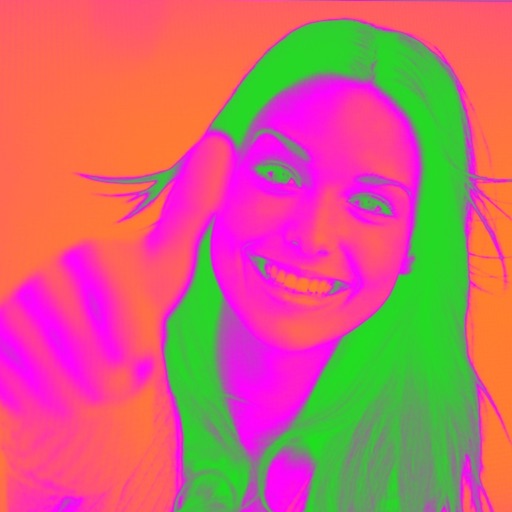
Turn your camera into a creative tool with . Apply fluorescent color filters to photos. Choose from 30 color combinations. Tap to switch views and capture images with unique color effects. Share edited photos directly.
Create synchronized light shows using your smartphone’s flashlight. Invite friends to join and control lighting effects in real time. Sync with music to enhance parties and performances.
Apply color-correction filters to videos and photos. Adjust exposure, contrast, and color balance. Access 7 built-in filters with examples from 6 sets. Load media as a digital negative for detailed editing. Save all 6 filter sets for a limited time.
Create mixtures by dragging and dropping basic colors onto a canvas. Combine RGB, black, white, or other hues to form new shades. Match resulting colors to pieces displayed above the screen.