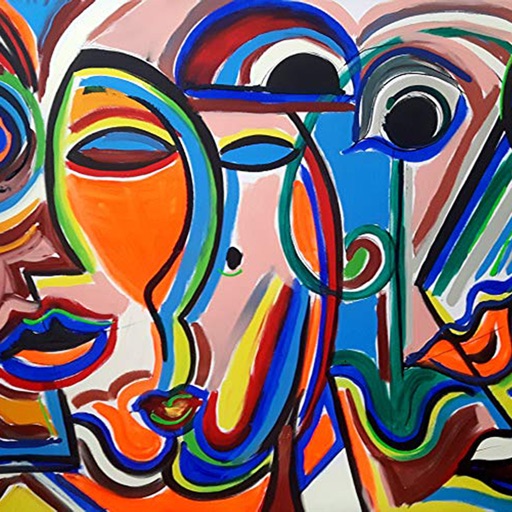
Edit photos with stretching, squeezing, pinching, and prodding tools to create surreal effects. Apply advanced image manipulation techniques similar to professional software. Export edited images in various formats and share directly.
by Sylwester Los★ 4.3114 ratingsPhoto & Video$1.99Data updated 2026-09-11
Create mandala paintings using vector-based tools. Zoom smoothly for precise details. Choose from various colors and brush styles. Save and share drawings directly. Adjust layer settings for customization.
Edit photos with one-tap removal and object erasing. Apply creative effects, blur tools, and adjust details. Share edited images directly or save in various formats.
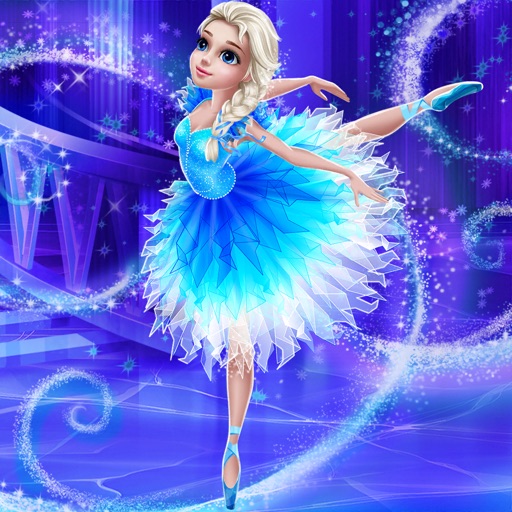
Create and choreograph dances using a variety of moves and variations. Style a with customizable outfits and accessories. Perform routines on a virtual stage with animations and visual effects.
Edit photos with custom cropping, flipping, and rotating tools. Adjust incline and stretch for precise edits. Apply cinema-grade color grading and one-touch Magic Sky edits. Use poster templates for creative layouts.
Edit photos and selfies with AI-powered art filters and effects. Choose from over 40 art styles to create fine art paintings. Share edited artworks on social media with the # hashtag.
Backgrounds from photos using AI-powered tools. Edit photo backgrounds, replace with new ones, and generate PNG files. Save and share edited images directly.
Edit photos by converting them to black and white while retaining selected details. Use multi-touch gestures to paint areas in black and white or restore original colors. Zoom in and out with two-finger pinching. Adjust and export edited images.
Edit photos with AI-powered tools to remove backgrounds, generate avatars, and enhance image quality. Add filters, adjust colors, and crop images. Save and share edited photos directly.
Create photo collages and composite images using multiple layers. Remove unwanted areas with the background eraser tool. Adjust color tones and export edited photos in various formats.
Edit photos by applying local filters to specific image areas or text. Add multiple graphics and text elements with different filters. Export edited images in various formats and share directly.
Edit photos and videos to create oil paintings using 29 presets and 12 professional tools. Adjust brush strokes and colors manually. Apply AI-generated oil with machine learning enhancements. Export edited content in various formats.
Edit photos with AI-powered background removal and replacement. Generate realistic images from text. Use advanced tools like layers, masking, and cloning for detailed edits. Export and share edited photos directly.
Capture selfies with real-time effects and filters. Apply blemish-free skin touch-ups and makeup instantly. Choose from a variety of color filters. Edit photos with one-tap styling options. Share edited images directly.
Edit photos with selective effects using gesture controls. Zoom and pan to adjust splash areas. Convert parts of the image to grayscale while keeping selected regions in full . Export edited photos directly.
Edit photos by removing objects with a magic eraser and auto-cutout tools. Adjust colors, apply filters, and enhance details. Save and share edited images directly.
Edit photos with nondestructive color adjustments, AI-powered automatic selections, and support for over 750 RAW formats. Use the Repair tool to remove unwanted objects. Export edited images in various formats and share directly.
Create AI-generated images from text descriptions. Transform photos using advanced AI tools. Access 100+ specialized apps for different creative tasks. Choose from unlimited styles including realistic, artistic, anime, and vintage.
Take a and use the Move button to align the measurement area with the center of the . Adjust the measuring line using the Angle and Start Line buttons to display angle and radian values.