Uses AI to detect and remove unnecessary files, freeing up space. It analyzes photos for sharpness, composition, and editing history to help organize the gallery. Users can optimize with a single tap and select optimal photos from similar ones.
Create animated videos by selecting a character and applying a from photos or the camera. Choose from multiple styles and share the result on social media platforms.
Edit videos with AI-powered highlights and manual controls including color grading, effects, and speed adjustments. Add music and export in various formats. Follow step-by-step tutorials to learn flying, shooting, and editing.
The app allows users to create original movies by selecting photos from their camera roll. Users can preview results before outputting the final video.
The app provides manual controls for focus, exposure, and white balance, allowing for more complex photographic and video results. These adjustments can be applied to both photos and videos, offering greater creative flexibility.
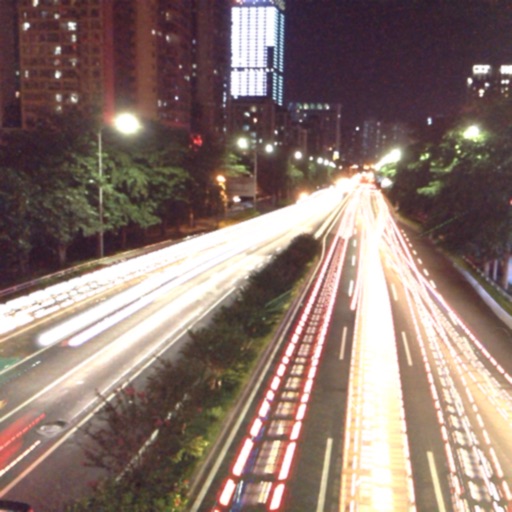
The app captures photos using slow shutter speed effects to create light trails and streams. Users can control exposure time and focus for motion blur photography.
Create professional talking by adding a script, adjusting speed and size, and recording. Edit clips and save to Camera Roll. Maintain eye contact during recordings without memorizing lines.