The app provides a camera interface with a noise maker to assist in capturing photos of dogs. Photos taken are saved to the device's camera roll for editing or sharing.
by OurBigAdventure, LLC★ 4.310 ratingsPhoto & VideoFreeData updated 2026-10-06
Upload photos from the gallery or camera to try on various styles. Browse nose, ear, lip, and eyebrow designs. Adjust size, position, and angle of each . Save or share customized edits.
Remove duplicate photos and videos instantly. Group similar shots to keep only the . Filter screenshots to delete unnecessary files. Free up storage space and organize the camera roll efficiently.
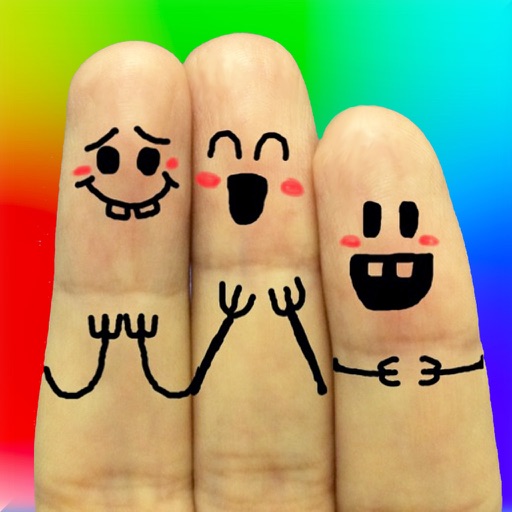
The app allows users to create finger faces using photos from their camera roll or by taking new pictures. Users can add faces, items, stickers, and text, or draw their own creations.
Edit photos with blending tools to create double exposure effects. Add frames, quotes, and background elements. Apply single-layer filters. Export edited images without ads. two images with one touch.
Convert low-quality photos to high-resolution images with clarity and detail. Upscale photos to maintain sharpness. Boost resolution for clearer images. Apply denoising to reduce grain and enhance visual quality.
Create wallpapers with high-quality animations and choose from various categories. Access static wallpapers for the home screen. Customize wallpapers using editing tools to match personal preferences.
Take guided photo-meditations using your phone’s camera. Follow ten-minute sessions to focus and calm the mind. Capture images during practices to reflect on moments. Track progress over time to build mindfulness habits.
Faces allows users to overlay their on various funny images. Users can select from 12 categories and 300+ photos. They can take a selfie or upload an image and place their on the selected .
Create collages with 106 adjustable layouts and 31 irregular designs. Choose from 18 frames and 36 backgrounds. Customize borders with color and shape. Edit photos using a built-in PRO editor.
Create animated GIFs with adjustable size up to 480 x 480 pixels and extended duration. Trim, crop, and adjust frames. Add text and stickers. Export GIFs directly or share via social media and messaging apps.
The app arranges photos, animated GIFs, Live Photos, and videos into justified layouts. Users can reshape collages, reorder media, customize borders, and edit photos before sharing or saving.