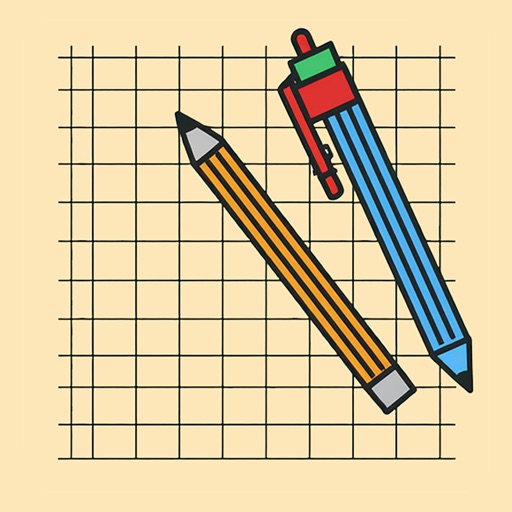
The app allows users to draw anything using a grid. Users can select any area of an image, choose different grid types, and adjust grid size, color, and thickness.
by supple software ltd★ 4.433 ratingsGraphics & Design$2.99Data updated 2026-11-18
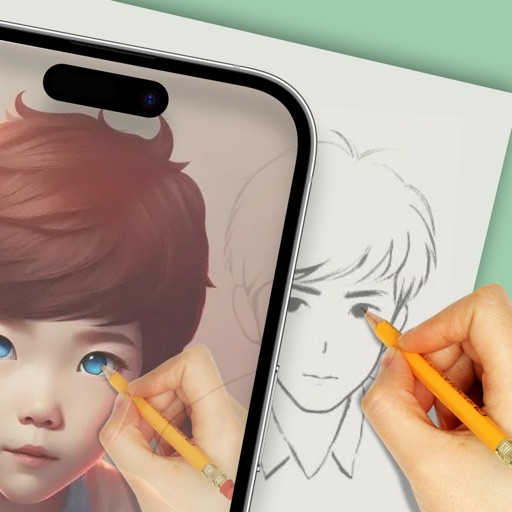
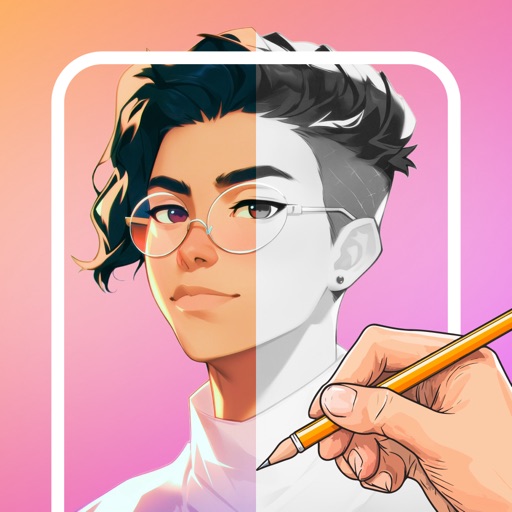
Create templates using AI-generated ideas. Upload illustrations for practice. Draw and refine artwork with precision tools. Save and export designs in various formats. Share creations directly with social media.
Train attention and focus with customizable game modes including simple, ordinary, scrambled, and blind play. Adjust difficulty levels from 3 to 10. Choose between fresh or dark themed skins. Track progress with data analysis and score rankings.
And create sketches or doodles with customizable colors and typography. Use pencil, pen, or brush tools. Choose from textured, staff, grid, or blank backgrounds. Share through any phone program. Vote for improvements.
The app offers drawing and image editing tools for Mac. It supports various file formats and includes features like layers, text customization, and graphic effects for design enhancement.
Edit photos with filters, contrast, brightness, and color adjustments. Add text, stickers, and drawing tools. Customize images and landscapes. Export in high quality. Access a free image library. Apply advanced editing features.
The app allows users to create commercial art mockups by uploading artwork and selecting from customizable interiors. Users can enhance portfolios, stand out on social media, and impress collectors with professional art mockups.
Create pixel art with layer editing tools including alpha sliders, hide options, copy, and merge down. Animate with onion skinning, alpha controls, and live preview. Export as PNG, GIF, or JPG with support for animated GIFs and sheets.
Draw on a or whiteboard with adjustable brush sizes and multiple paint colors. Create shapes like lines, arrows, circles, and polygons. Add text with customizable font sizes. Import photos and record video directly within the .
Track habits and progress with custom icons and notes. View daily tasks in grid or list format with swipe actions. Use reset timers and visual progress rings. Switch between light and dark modes.
Use augmented reality to draw on any surface. Create sketches with AI-assisted tools. Select and customize NFT images from your phone gallery. Export drawings in various formats. Share artwork directly from the .
Create art using augmented reality features. Draw on real-world surfaces with AR overlays. Receive real-time feedback and guidance while sketching. Explore interactive tutorials and artistic tools to enhance drawing skills.