The app allows users to draw on their screen over applications. It supports global shortcuts for showing and hiding the tool, an undo stack, and various shapes.
by Nicolas Zinovieff★ 0.00 ratingsUtilities$0.99Data updated 2026-10-05
The app allows users to check mobile account status and services. It provides features for usage checking, bill payment, bonus points, online applications, and shop ticket status.
The app analyzes two-dimensional frame structures using the Direct Stiffness Matrix Method. It allows users to create, analyze, and understand structural behavior with a modern interface and powerful calculations.
The app provides mobile RDP access to Windows PCs and applications. It features patent-pending technology for resizing Windows objects and supports touchpad and floating pointers.
Take notes with a dark theme interface and customizable font options. Switch between light and dark modes. Preview notes, view modification dates, and open notes in external apps. Use a new shortcuts toolbar for quick access.
The app emulates IBM 3270 terminals using the TN3270 protocol for communication with host systems. It supports multiple concurrent host sessions, configurable toolbars, and GlinkProxy for persistent connections.
Create vector drawings with speed and flexibility.
The app provides an intuitive tool for creating vector graphics such as flowcharts, technical drawings, and drafts. It offers speed and flexibility with customizable tools for precise alignment and adjustable elements.
The app transforms a touch screen device into a customizable keyboard, joystick, or trackpad for PC or Mac control. Users can create and assign inputs to buttons, joysticks, and sliders within saved layouts for various applications.
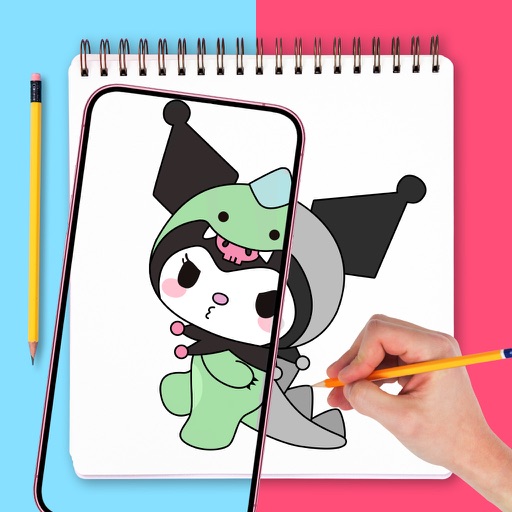
Use augmented reality to draw on any surface. Trace outlines, adjust colors, and add textures. Save and share drawings. Access tutorials for beginners. Export in various formats.
The app provides DEC VT terminal emulation for accessing UNIX, AIX, Linux, and DEC host systems. It supports Telnet and SSH protocols, multiple host sessions, and configurable toolbars with function keys and macros.
Items with a simple tally . Tap to increase or decrease numbers. Autosaves progress. Clear or undo entries. No advertisements. Large buttons for easy use without looking at the screen.
The app provides IBM 5250 terminal emulation for IBM iSeries systems. It supports TN5250 protocol, multiple sessions, and configurable toolbars with macros.
Fill the screen with a solid color or custom image. Use Fullscreen Color Cycle mode for dynamic color transitions. Take screenshots of multiple windows without desktop clutter. Focus on one task by hiding other applications.