The app lets users design unique snowflakes and observe them descend. Users can capture photos with the falling snowflakes and share them via social media or email, or save them for personal use.
by Peter Allday★ 5.02 ratingsSocial NetworkingFreeData updated 2026-10-05
Create personalized with custom frames and effects. Add multiple photos to make a collage. Design greeting with floral themes. Share finished via email or social media.
Create collages by selecting images from the library. Automatically generate and arrange layouts without manual cropping or resizing. Shuffle image order as needed before finalizing the .
Create logos and graphics without design experience. Design watermarks for images, make posters and flyers, create business cards and birthday cards. Generate quick signatures for social media posts. Customize lock screens and home screens.
The app enables users to search, find, and share animated GIFs. It allows tracking of specific tags in the Today View widget for updates on new content.
Create memes by selecting images from device or Google Images and adding text. Share memes via Facebook, Telegram, WhatsApp, or save to Camera Roll. Includes a gallery section for viewing and using existing memes.
The app offers over 400 square frames for designs. It supports sharing to various platforms including Instagram, Message, Mail, Twitter, Facebook, and more.
Record live videos and photos. Apply and to images and videos. Upload from gallery or capture directly. Use on jewelry, landscapes, and vehicles. Adjust for creative visuals. Share edited content.
Film Development Timer allows users to create custom development recipes with multiple steps and intervals. Set and track timing for each step. Switch to a darkroom mode with a red-on-black interface. Manage and name recipes for easy reference.
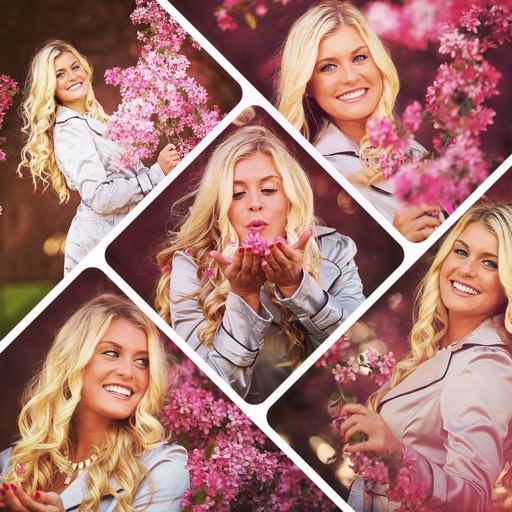
Create collages by combining multiple photos using various frame patterns and grid layouts. Apply over 1100 design styles to individual images or collages. Share finished creations directly from the .
Create books with customizable layouts and multiple page sizes. Upload and organize photos. Select themes and designs. Preview and order prints. Apply discounts for new users. Share finished books via email or social media.
Edit photos using advanced from pro filmmakers and bloggers. Apply filters, adjust colors, and enhance details with one-tap edits. Share edited photos directly to Instagram, Twitter, Facebook, Pinterest, Snapchat, and TikTok.
Browse high-resolution and backgrounds. Swipe left or right to navigate through the collection. Save selected to your device. Share with friends via social media or messaging apps.
Create videos using photos with transitions, zoom effects, and background music. Add text overlays and edit timing. Share finished videos directly to social media or messaging apps. No photo limits or premium features required.
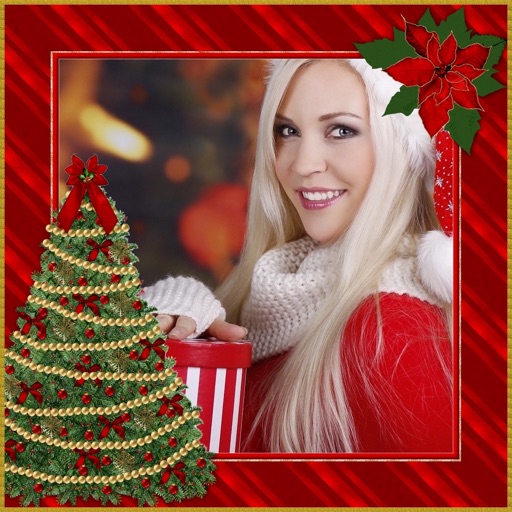
Add , reindeer, sleighs, and Christmas trees to photos. Apply high-quality filter masks. Share edited images on social media or via email. Edit and customize holiday photos with multiple overlays.
Create customizable avatars using over 325 items for personalized characters. Assign avatars to contacts and use them as profile pictures on social platforms like Facebook and Instagram. Export avatars in high-quality image formats.
Edit photos with filters, cropping, and adjustments. Add text, stickers, and layers. Create collages with 500+ grid templates supporting up to 9 images. Design stories with templates and grids. Cut out photos and add backgrounds.