The app lets users design unique snowflakes and observe them descend. Users can capture photos with the falling snowflakes and share them via social media or email, or save them for personal use.
by Peter Allday★ 5.02 ratingsSocial NetworkingFreeData updated 2026-10-05
Create and send personalized greeting with over 100 exclusive designs. Choose from frequently updated free collections or premium options. Add text, images, and animations to customize . Share directly via text, email, or social media.
The app transforms photos into vibrant works of art by applying textures like oil paint, pencil, or watercolor. Users can share their creations via social media and email.
The app supports SMS, iMessage, Mail, WeChat, WhatsApp, QQ Message, Line, KaKaoTalk, Tango, Viber, and Facebook Message. It includes over 1590 emoticons, smileys, stickers, and over 200 emoji art options.
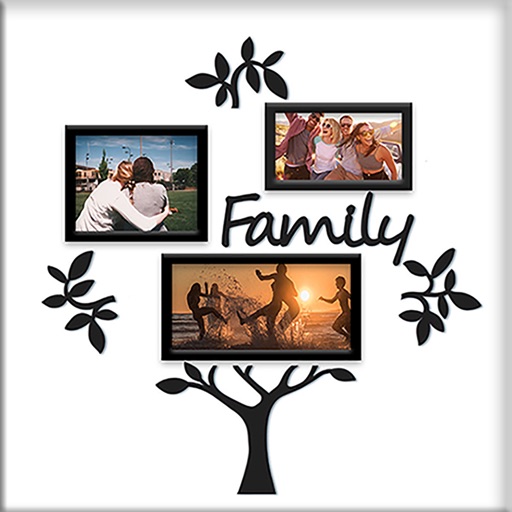
Create collages by combining multiple photos into a single framed image with captions. Add 2D and 3D effects. Share finished collages on social media platforms like Facebook, Twitter, and Flickr.
Take photos in landscape or portrait mode or select from the Camera Roll. Adjust the size and position of the animated on the image. Watch the sprinkle dust and fly around the photo instantly. Upgrade to save the video version.
Create custom stickers by selecting images from your device. Remove backgrounds, add borders, shadows, text, or draw on images. Combine multiple images into a package, rename it, and save stickers locally. Share stickers directly to WhatsApp.
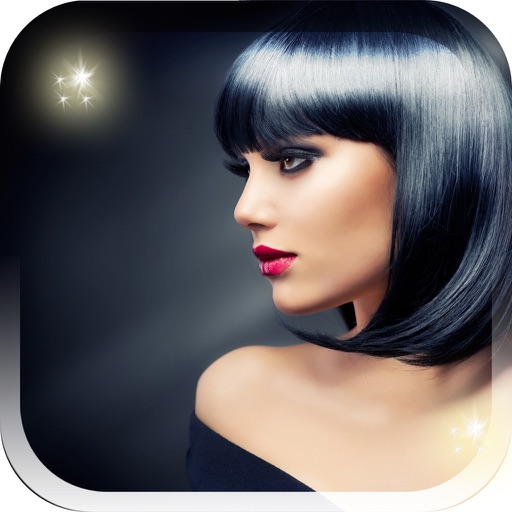
Try different from pop stars, talk show hosts, actresses, and reality TV stars. Apply looks to your photo or video. Share edited content with friends. View hairstyle details and inspiration sources.
Convert videos to high-quality images with frame extraction. Play videos with smooth playback and beauty enhancements. Edit and share them on social media or via email. Save edited to the camera roll. Manage exported photo files.
Create albums with 1000+ original stickers. Add text and drawings to images. Organize photos by date or event. Share albums via social media or email. Save and export edited photos in various formats.
Create collages by combining photos into -shaped frames. Apply filters and adjust colors. Share collages directly or save in various formats. Organize memories in a single album.
Apply to images. Choose from Niagara Fall, sea surf sunset, and nature scenes. Share edited photos with friends and family. Add special effects to capture memorable moments.
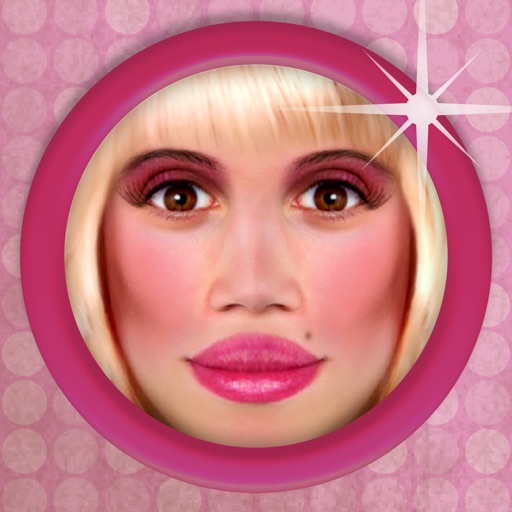
The app allows users to transform photos to see how they would look with a 'bimbo' effect. Users can apply makeup, plump lips, and change facial features.
Edit photos with color filters, light effects, and frame borders. Apply effects like Instafit and Orton. Add film grain and adjust contrast, brightness, and saturation. Include text with 30+ fonts. Share edited images to social networks.
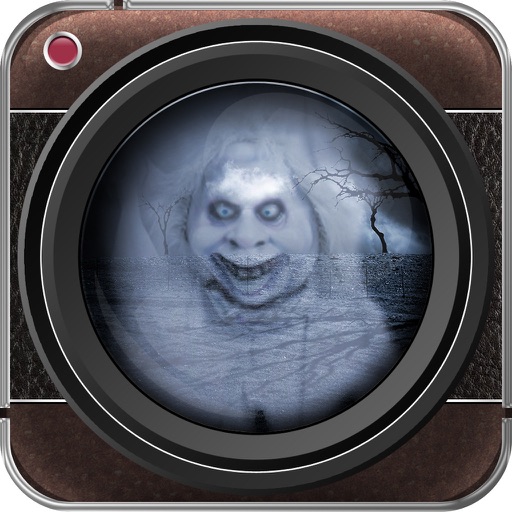
Add spooky ghosts to photos using a selection of effects. Edit images by placing ghosts in specific areas. Share edited photos directly with friends or via social media. Take new photos within the or import existing ones from the photo library.
Create and share custom sound effects with friends and followers. Add to media posts directly. Share via Twitter, Facebook, text, email, or copy-paste into other apps.
Trim clips, adjust transitions, add effects, create
Create custom videos by trimming clips, adjusting transitions, adding effects, and editing audio. Share videos directly to social media or messaging apps. Export in high quality for offline viewing.
Capture photos from the device camera or select from the library. Apply over 60 design effects to images. Save edited photos to the library or share them on social networks.
Create custom posters and quotes with features. Add to photos and design social media posts for platforms like Facebook, Instagram, and Pinterest. Generate flyers and story graphics quickly. Suitable for digital marketing, branding, and ad creation.