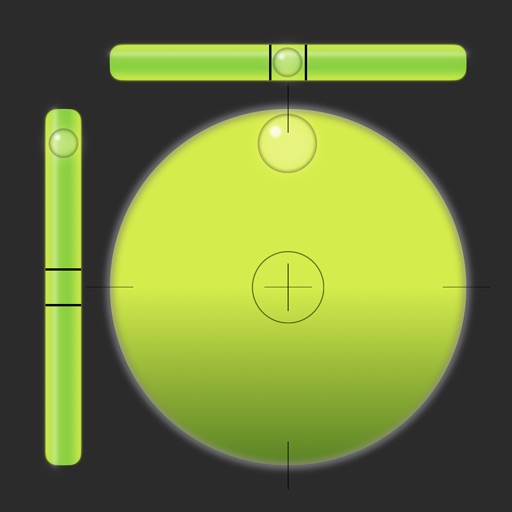
The app simulates a tool to measure levels on an iPhone or iPod Touch. It measures vertical, horizontal, and 45-degree angles with an optional sound warning for horizontal plane measurements under one degree.
by nakhon phagdeechat★ 1.01 ratingsUtilitiesFreeData updated 2026-10-04
Measure angles, check flatness, take real-size measurements
Measure angles with real-time sensor precision. Check surface flatness in horizontal and vertical orientations. Use an on-screen ruler for real-size measurements. Support both metric and imperial units.
Measure distances using augmented reality or direct phone contact. Calculate surface areas and angles. Create floor plans and save measurements. Share results via email or messaging.
Measure angles with precision up to 0.02°. Use surface and auto-select features for accurate readings. Convert angles between degrees, grade, and roof pitch. Includes a ruler for actual size measurements. No advertisements.
Measure distances and angles using augmented reality. Customize ruler settings and save measurements. Access tools for drawing, scaling, and converting units. Share measurement data directly.
The app displays exact measurements from its sensors and overlays leveling information on the camera. It allows users to calibrate the vertical and horizontal vials.
Set time with quick selection of time and sound. Snooze for 3 to 30 minutes. Choose vibration or fade-in . Set sleep timer with background music. Switch between 12-hour and 24-hour formats. Use vertical or horizontal display mode.
Turn your iPhone into a , angle gauge, and measuring . Check if surfaces are or plumb. Get real-time tilt readings in degrees. Calibrate to align with objects. distances using the device's sensors.
Distances and angles using augmented reality and on-screen rulers. Tap to mark points and calculate lengths. Export measurements as text or image. Sync with other devices for collaborative projects.
Allows users to perform complex calculations with a natural display that shows expressions as written. It supports fractions, roots, and exponents. The includes a graphing module for visualizing equations.
Turn your phone into a with precise inclination measurement. Use camera integration to measure lengths and angles. Adjust settings for different leveling tasks and save measurements for future reference.
Measure lengths with a ruler supporting metric and imperial units. Detect ambient noise levels using a decibel meter. Use a protractor tool to measure angles via the camera. Calibrate screens for accurate color display.
Measure horizontal and vertical surfaces with a . Use a laser for precise alignment. Check surface flatness with a spirit . Access inclinometer for angle measurements. Set and track levels for accurate tasks.
The app measures angles and aligns objects using the camera. It offers a distance/height estimation tool and a traceable level for various measurements.
Measure angles with touch or camera modes. Tap the screen to set points and calculate angles. Capture images for instant analysis. Customize measurement tools and save multiple angles simultaneously. Sync measurements across devices.
Allows users to check horizontal and vertical alignment. Features include circle mode for simultaneous angle measurement, vertical mode for ensuring surfaces are straight, horizontal mode for flat surfaces, and mix mode combining all functions.
Measure levels in decibels using the device’s microphone. Display real-time audio frequency and dB readings. Apply filters for specific frequency and dB ranges. Share measurements via Messages, Email, WhatsApp, Notes, and other apps.
Rotate and videos directly on the device. Choose a video, set rotation degrees, and apply flips. Features include rotating at 90, 180, or -90 degrees, flipping horizontally or vertically, and combining rotation with vertical .