The app allows users to create patterns by layering motives, selecting colors, and adjusting their position, scale, or rotation. The resulting patterns can be shared, used as backgrounds, or printed.
by Dominik Wei-Fieg★ 3.02 ratingsPhoto & VideoFreeData updated 2026-10-04
Edit photos and videos without cropping. Adjust size, rotate, scale, and flip images. Choose from gallery or camera. Share directly to Instagram and social media platforms.
Convert photos or draw designs to create patterns. Choose from DMC, Anchor, and other threads. Use various types including 1/4, 1/2, 3/4, backstitches, and French knots. Export patterns as printable PDFs. Track progress within the .
The app provides a quick and easy way to create beats using inbuilt or imported sounds. Its pattern editor sequencer allows for simple drag-and-drop rhythm tweaking.
Split photos into 2 to 9 sections without quality loss. Preview swipeable panoramas before posting. Share split images directly to using the "Select Multiple" feature.
Edit photos with New and collages. Add text and custom greetings. Create cards for wishes. Decorate images with realistic effects. Share edited photos directly.
The app offers multi-layer photo editing for creating composites and artwork. It allows users to combine photos, add text, apply filters, and use AI tools for image generation and background editing.
With filters, cropping, and adjustment tools. Apply beauty enhancements and double exposure effects. Use color splash and resize images. Access frames and story templates. Change resolution and export in multiple formats.
Add frames, patterns, colors, and blur effects to profile pictures. Adjust background color and apply instant DP borders. Resize and rotate images for Instagram. Post full-size photos without cropping. Create images for social media.
Create abstract art by drawing shapes that auto-connect and fill with random procedural patterns. Use Auto Draw to generate unique compositions in real time. Watch animations transform your artwork into kaleidoscopic designs.
Edit photos by selecting from Camera Roll or taking new shots. Apply real-time effects to create prism-like glass pieces. Adjust frames, shapes, and patterns. Rotate, resize, and drag elements for custom designs. Export and share edited images.
Learn spelling patterns and phonograms through interactive word building. Create and customize words with letter tiles. Listen to word pronunciations and rhymes. Track progress with built-in feedback and challenges.
Add bubbles to photos to create comic-style . Place text on images of friends. Adjust bubble styles, fonts, and colors. Add multiple bubbles to group photos. Share creations with others.
Create geometric patterns and ornamental designs with adjustable shapes and colors. Generate 3D models, kaleidocycles, Escher-style spirals, and animated GIFs. Export as videos or images. Transform and deform patterns with intuitive tools.
Edit videos by adjusting with points for smooth transitions between fast and slow motion. Manipulate time to create dynamic effects. Export edited videos in various formats. Share directly from the .
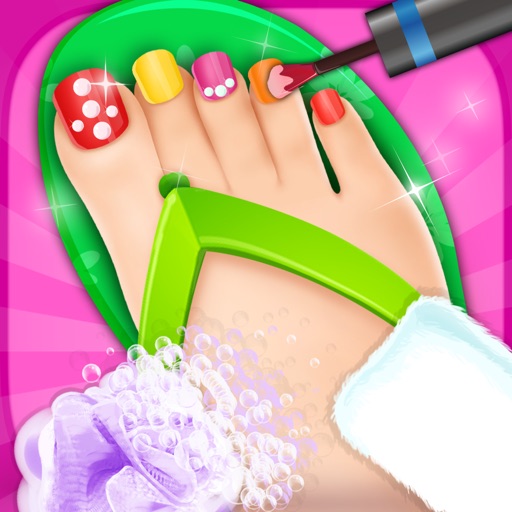
The app allows players to wash and scrub feet, cut and shape toenails, and buff them. Players can choose from many colors and add patterns, toe rings, and shoes for customization.