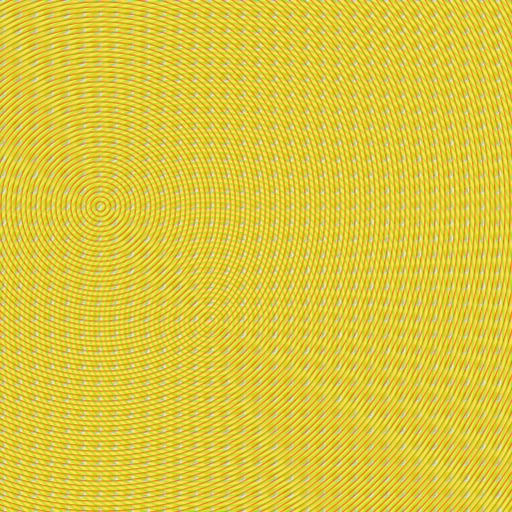
The app allows users to create patterns by layering motives, selecting colors, and adjusting their position, scale, or rotation. The resulting patterns can be shared, used as backgrounds, or printed.
by Dominik Wei-Fieg★ 3.02 ratingsPhoto & VideoFreeData updated 2026-10-04
Create collages by freely moving, scaling, and rotating photos. Arrange images without grids, templates, or filters. Add text and stickers manually. Export and share finished collages directly.
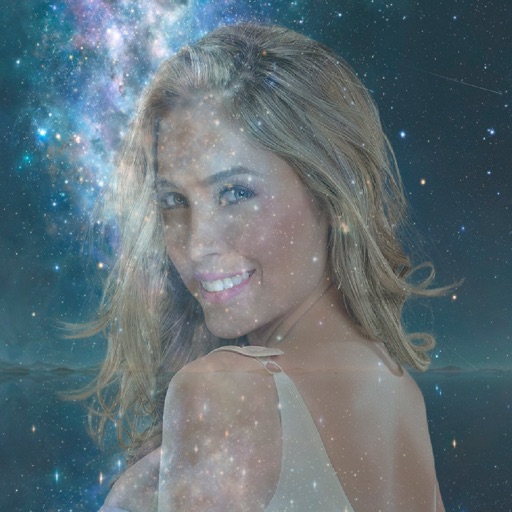
Edit photos , background music, and text overlays. Add animated effects and customize layouts. Share edited photos directly to social media or messaging apps.
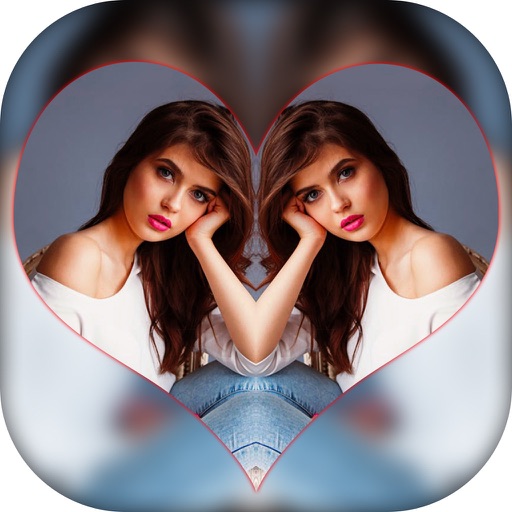
Create effects with left-right, up-down, reflection, and repeating options. Apply effects and designer frames to enhanced images. Edit and share -style photos with additional customization features.
Create art by selecting patterns and adjusting thread paths. Customize colors and spacing. Export designs for physical creation. Join Zigzag club for additional features.
Create custom outfits and costumes for characters. Choose colors, patterns, and stickers to personalize designs. Display creations on billboards, magazine covers, and runways. Select from characters like Emma, Sophia, Ava, and Kim.
Edit videos by trimming, rotating, scaling, and flipping clips. Select frames and overlays to enhance visuals. Export full-size videos for Instagram and other platforms. Adjust orientation to match social media requirements.
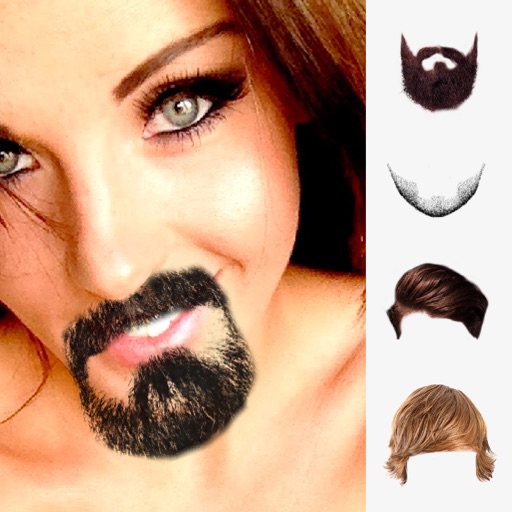
Edit photos by selecting from the gallery or using the camera. Add and adjust their position, size, and rotation. Crop images by dragging or scaling with two fingers. Share the edited photo directly.
The app demonstrates pattern formation mechanisms found in nature. It generates unique and attractive images based on the Diffusion Limited Aggregation model, allowing users to explore scientific concepts through visual creation.