
iPhone Screenshots
Description
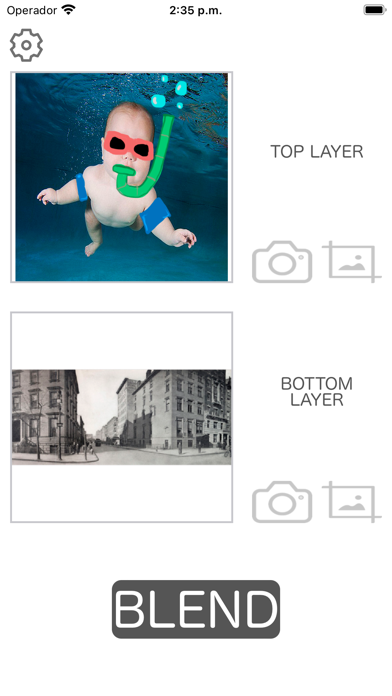
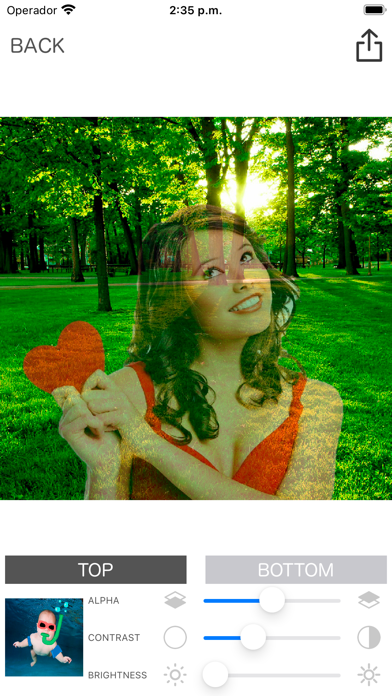
First choose the photo you want for the top layer and the bottom layer. For the photo below it could be an image of the sky, nature or whatever you want. Then select the photo you want to appear above, such as a selfie of your face or a photo with your friend.
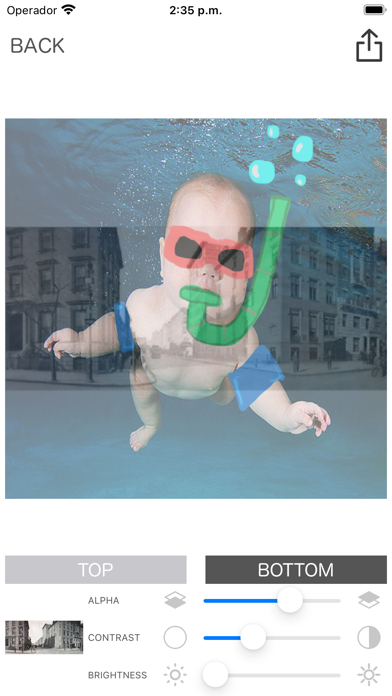
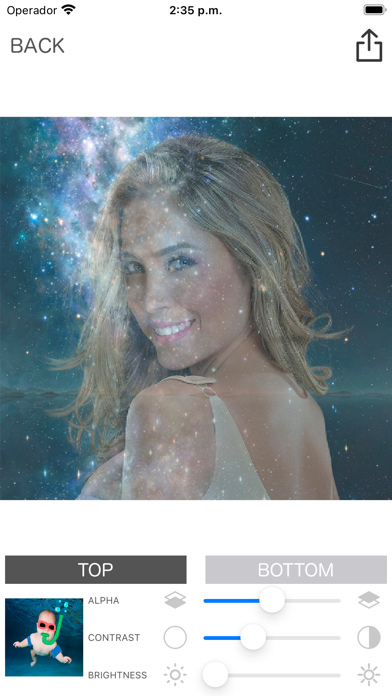
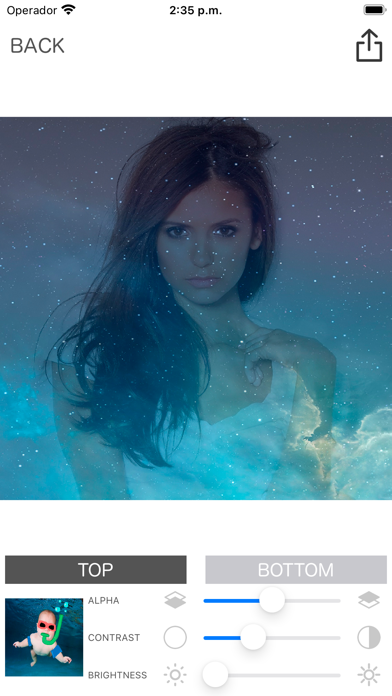
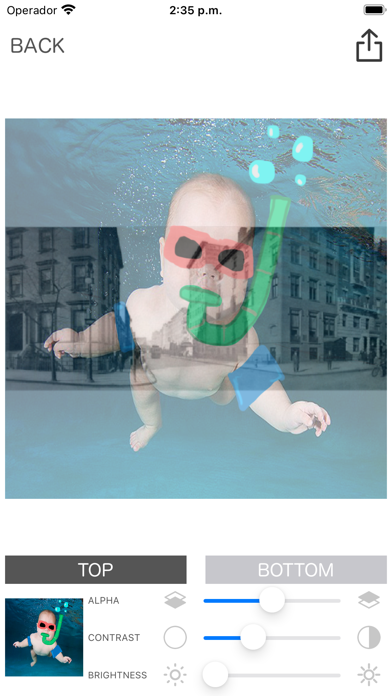
Then you will go to the editing screen where you can change the transparency percentage of the photo above, to mix it with the image below.
To work with a photo you have to click on the top or bottom button to select which photo you are going to work with.
You can move, scale or rotate the images to position them as you like.
You can also change the contrast or brightness of the photos.
Once you have the mixture to your liking, you can share it with your favorite social networks, your messaging applications or save it on your mobile phone.
Thank you for downloading our application, if you like, don't hesitate to vote for us!