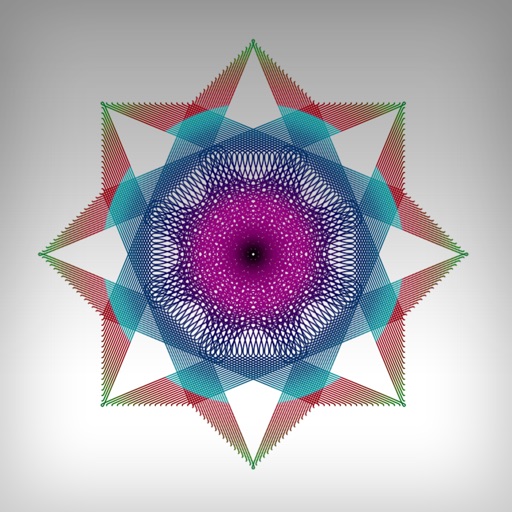
The app allows users to create symmetrical designs by photographing or selecting an image. Users can then determine the split point and select the desired field for display, saving their creations to their library or posting them.
by Masahiro Ueno★ 0.00 ratingsPhoto & VideoFreeData updated 2026-10-20
The app allows users to create HD videos and photo collages with music, AI effects, and voice-overs. It supports up to 12 frame collages, 30-minute videos, and 4K resolution sharing.
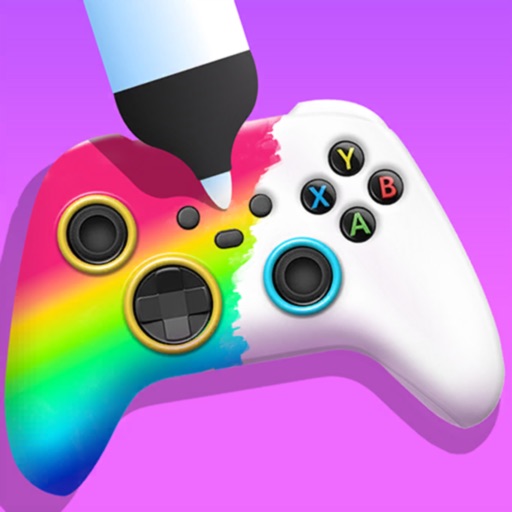
Create custom game controllers by designing art with stencil tools, spray paint, and stickers. Apply color and patterns to joysticks and gamepads. Add decorative elements like marble dipping. Save and share custom designs.
Split photos into grids of 1x2, 1x3, 2x3, 3x3, 4x3, or 5x3. Maintain high resolution and quality during splitting. Post split images to as a single photo. Adjust zoom, move, or rotate photos before posting.
Create collages using 1000+ layouts and effects. Edit photos with filters, split images, and adjust brightness. Add text, stickers, and templates. Share edited collages directly.
Test appearance to determine animal group. Use AI analysis for skin and appearance improvement suggestions. Get dress and hair recommendations. Identify spirit animal through the test.