The app allows users to create symmetrical designs by photographing or selecting an image. Users can then determine the split point and select the desired field for display, saving their creations to their library or posting them.
by Masahiro Ueno★ 0.00 ratingsPhoto & VideoFreeData updated 2026-10-20
The app teaches Italian words through categories like Alphabet, Numbers, and Animals. It features flashcards with images, audio, and interactive games for vocabulary and pronunciation.
The app assists learners of all ages in acquiring Portuguese vocabulary and pronunciation through categorized flashcards. It features engaging visuals, audio, and interactive games designed for easy word learning.
The app helps learners of all ages acquire Kannada vocabulary and pronunciation through categorized word games. It features flashcards with images, audio, and interactive games for practice.
Create light-based drawings using finger gestures on the screen. Share creations with friends and family via social media or messaging. Save finished designs as photos in the device's gallery.
The app allows users to add speech balloons to photos. It offers a simple interface with various balloon options, voice input, and image editing tools like cropping and filters.
The app offers 17 tools for adjusting image quality, including noise reduction and sharpening. Users can compare before and after images by long pressing.
Edit photos by selecting from the gallery or using the camera. Apply multiple and effects. Adjust image position, size, and angle. Save, share, or upload to social media platforms like Facebook, Twitter, and email.
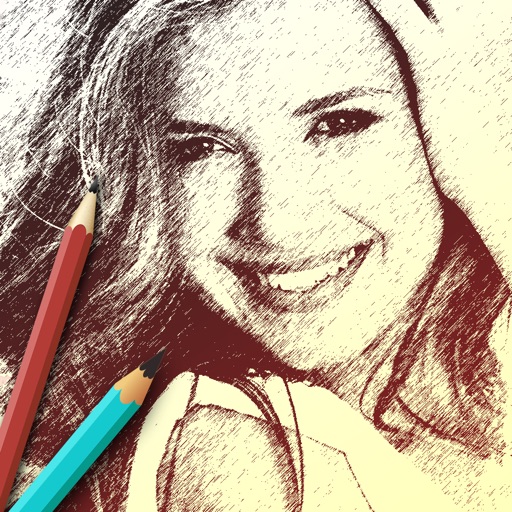
The app allows users to create sketches and share them with friends. It offers filters to transform photos into sketches and frames to decorate creations.
Edit images by detecting and highlighting contours to create pencil-drawing effects. Select photos from the device library or capture new ones. Apply the contour effect and view the resulting image on the screen.