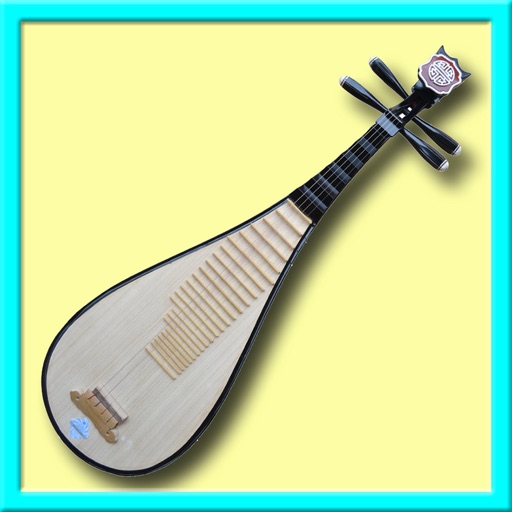
Learn about musical through interactive lessons and historical context. Play virtual with touch controls. Access instrument diagrams and sound samples. Switch between and English language interfaces.
by Hon Fai Yiu★ 3.84 ratingsMusicFreeData updated 2026-09-08
Allows users to adjust instrument pitch with a built-in microphone. It detects frequency and displays visual feedback. Users can save preferred tuning settings and compare notes with reference tones.
Learn about animals, birds, vehicles, and musical instruments through interactive categories. Tap to view photos, names, and sounds. Each category includes five different sounds and images.
Explore and ukulele chord diagrams with detailed fretboard visuals. View classic and alternative chord shapes. Swipe to navigate chord diagrams. Access over 50 chord types and 7,500 . Support for slash included.
Identify musical notes using device microphone. Display frequency and pitch in real time. Tune instruments or voice with visual feedback. Track history for accuracy improvement. Supports piano and other instruments.
Control synthesizer via iOS device with real-time visual feedback. Adjust mixer sliders and effects using multi-touch and touch pad. View instrument levels, effect amounts, and mixer balance. Sync and interact with for precise sound adjustments.
Play word search puzzles with multiple difficulty levels and board sizes. Choose from three gameplay modes. Access over 28,000 words. Customize themes between light and dark. Enjoy background music and animations. Solve puzzles without limits.
Play and record music using a virtual instrument with adjustable tuning and bowing techniques. Practice scales and exercises. Access sheet music and performance guides. Sync with music software for playback and recording.
Create and share music with notation tools and templates. Practice rhythms with metronome and playback features. Collaborate with others through community forums and sharing. Sync progress across devices and access a library of user-generated scores.
Turn your iPhone into an with effects. Adjust a 10-band equalizer, apply reverb with over 10 presets, add delay, or use distortion with over 20 presets. Record and share audio with applied effects.
A chromatic with a clean interface displays the current note and a marker that turns green when in tune. Adjust preferences for sharps or flats with a tap. Apply transposition with one touch. Supports all screen sizes and orientations.