Take multiple photos with customizable delays ranging from 3 to 60 seconds. Use countdown audio for timing. Choose multiple snap options. Control flash settings. Preview photos and share to social media. Save images directly to the gallery.
by Nick Culbertson★ 4.78,370 ratingsPhoto & VideoFreeData updated 2026-09-08
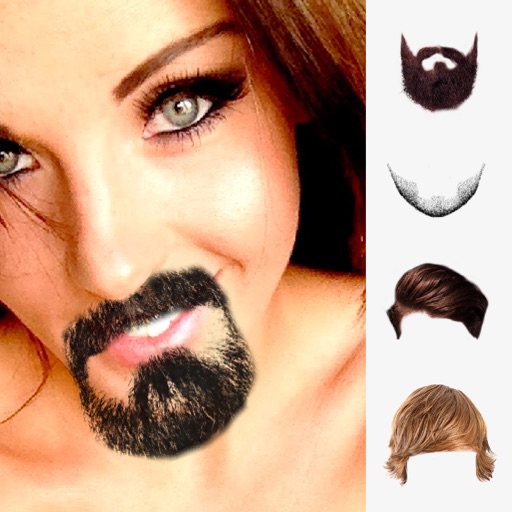
Edit photos by selecting from the gallery or capturing new ones. Apply multiple and effects. Adjust image position, size, and angle. Save, share, or upload to social media platforms like Facebook and Twitter.
Take with customizable filters for character, scene, mood, scenery, food, and black and white. Add handwritten signatures for personalization. Apply blur and dark angle effects. Share directly to social networks.
Create funny morphs by selecting two photos. one to another and swap to reverse the effect. Adjust intensity and save results as single images or collages. Supports multiple photos.
Convert photos or documents to PDF with automatic edge detection and multi-page support. Import images from gallery or PDF files. Edit scanned documents, add annotations, and export in various formats.
Take photos or upload images of tasks. The scans and processes the image to provide AI-powered answers in a chat format. Ask follow-up questions or request explanations directly in the chat.
Clean your gallery by swiping left to or right to individual images. Remove duplicates, blurry photos, and old files. Organize and free up storage space with simple, intuitive gestures.
Photos and videos with customizable albums and album locks. Use passcode, Touch ID, or Face ID for access. Take photos and videos directly in the . Preview media and access a recycle bin for deleted files.
Edit photos by selecting from the gallery or using the camera. Add and adjust their position, size, and rotation. Crop images by dragging or scaling with two fingers. Share the edited photo directly.
Edit photos by applying multiple effects and choosing from various stylish frames. Adjust image position, size, and angle finger gestures. Save and share modified photos directly.
Edit photos and videos without cropping. Adjust size, rotate, scale, and flip images. Choose from gallery or camera. Share directly to Instagram and social media platforms.
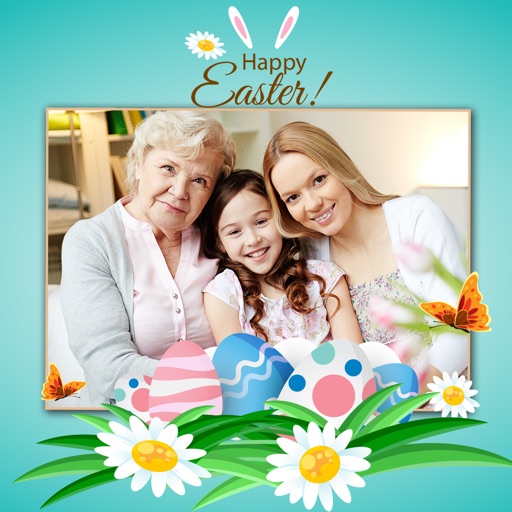
Apply -themed to images from the gallery or camera. Adjust frame size and position by rotating, scaling, zooming, or dragging. Choose from fifteen in various shapes and colors. Save edited photos to the device.
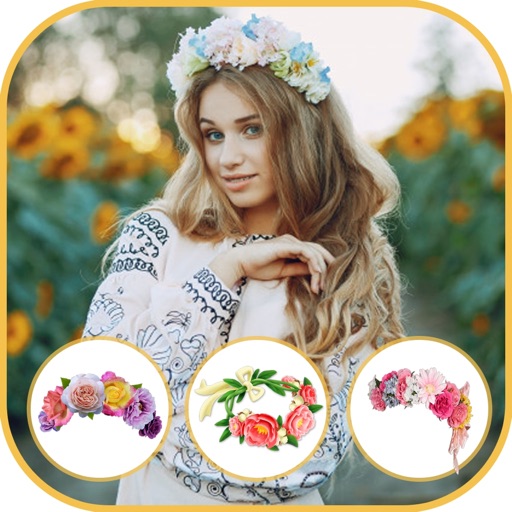
Select a from the gallery or capture one with the camera. Apply various stylish and effects. Adjust position, size, and angle. Save, share, or upload the edited image to social media platforms.
Edit photos with , rotate, and custom rotation tools. Resize images and adjust pixel dimensions. Change aspect ratio and apply effects. Save edited photos in JPEG or PNG format and store them in the gallery.
The app allows users to take, decorate, edit, and share selfies. It features a smile-activated timer and a rotary dial control for one-handed operation.