The app offers data on ISO-Tolerances, Threads, Cutting Data, Wrench Size, and Roughness. It includes charts for linear dimensions, radii, chamfer, and angular dimensions, along with symbols and explanations for geometrical tolerances.
by Samuel Werder AG★ 4.116 ratingsProductivityFreeData updated 2026-10-02
Calculate area, perimeter, and square-up using length, width, and height. Convert measurements between yards, feet, inches, fractions, and decimals. Perform unit conversions for math tasks.
The app allows users to sketch and analyze structural systems on the iPad. Analysis results like deformations and section forces are visualized instantly, with finite element analysis performed in the background.
Provides drill and tap size charts for fractional, letter, and wire standards. It calculates drill sizes for cutting and forming taps based on thread percentage. It also computes RPM and feed rates for cutting taps in various materials.
The app calculates starting speed and feed recommendations based on user selections. Users choose operations, materials, and cutting styles to receive tailored data.
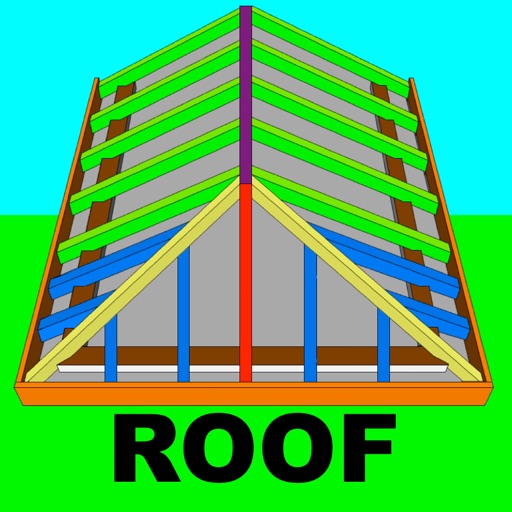
Calculate rafter, hip, and jack rafter lengths with precise angle cuts and birdsmouth dimensions. Input roof dimensions for instant results. Guide users in cutting roof components accurately without trial and error.
A and unit/currency with a clean interface. Convert between 500+ units across 29 categories and 161 currencies. Customize colors and display selected units. Enter values to instantly convert between units.
Calculate PPI by inputting screen dimensions and pixel count. Explain PPI vs DPI and dot pitch. Provide formulas and resolution categorization. Include definitions and user comments on related terms.
Ruler measures dimensions with a 1m scale without calibration. Level meter checks surface levels. Speed meter displays speed via GPS. Location shows current position and tracks movement. Compass provides directional orientation.
Simulate the by adjusting size and launching balls. Observe patterns as balls bounce left or right. Track distribution results. Run multiple simulations on iPad.
Access real-time flood maps, building dimensions, demographic data, and contact details with a single click. Retrieve and view detailed location information instantly without additional steps.
Calculate, plan, and optimize machining operations
Calculate machining parameters for turning and milling operations. Input dimensions and material properties to determine tool paths and speeds. Generate G-code for CNC machines. Convert units and estimate machining time.