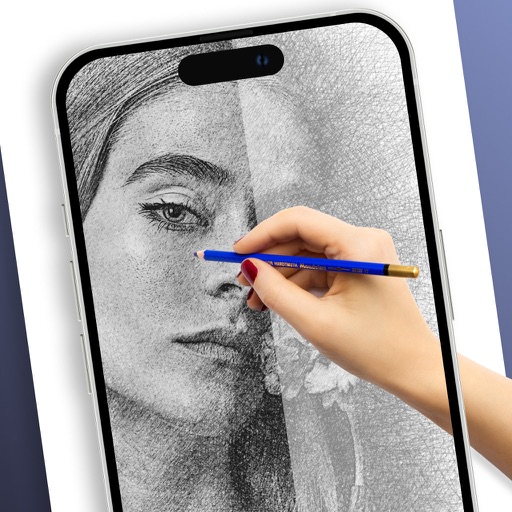
The app analyzes a user's photo and redraws it stroke by stroke on a blank paper. This free version has limitations including 1 megapixel output and no color sketches.
by Studio Mee★ 0.00 ratingsGraphics & DesignFreeData updated 2026-10-02
Turn photos into paintings using preloaded styles and custom brushes. Adjust brush strokes with paint masks and save images with transparent backgrounds. Generate unique styles in Workshop mode and share or print finished artwork.
Organize photos and videos into folders and subfolders. Create, copy, move, rename, or delete media files. Set passwords and covers for folders. Sort by date, name, or type. Add descriptions and star ratings.
Create artwork with realistic pastel simulation using live-calculated brushes and strokes. Sketch or paint digitally, test compositions, and refine techniques without physical supplies. Save and share paintings directly.
Create art with 10 brushes. Adjust brush size and color randomly. Import photos to doodle on. Add drawings to family images for customization. Save and share completed artwork.
Create art with a wax simulator that mimics real-life drawing. Adjust stroke size based on finger contact area for precise control. Draw thin lines with fingertips or broad strokes with full finger pressure.
The app supports 16 megapixel photos and allows one tap editing for up to 10 photos. It offers over 100 colorful filters, a text editor, and a pro toolbox with layers and FX effects.
Learn to draw with -by- tutorials and AI guidance. Use your phone's camera as a projector to trace and practice. Access drawing lessons for all skill levels, from beginner to advanced.
Auto-focus and exposure adjust automatically for portraits. AI enhances depth and background blur. Use Photo Coach for real-time guidance on composition and technique. Edit photos with filters, cropping, and adjustments.
Create and edit digital art with brush tools, layers, and color blending. Import photos and sketches. Adjust brightness, contrast, and saturation. Add text and shapes. Export artwork in various formats and share directly.
Apply filters to images using neural networks to generate original artwork. Select an image, adjust composition, and choose from available styles. Export edited images in various formats and share directly.
Plus Apps Bilisim Teknolojileri Reklamcilik Limited Sirketi
Sketches with AR technology
To sketches using AR technology. Choose from various categories to practice. Follow step-by-step instructions to improve techniques. and paint directly on the screen. View animated tutorials for guidance. Save and review your artwork.
Create image compositions with layers, shapes, and text. Edit photos with touch-up tools and painting features. Add filters and adjustments. Export in various formats and share directly.
Create images by arranging words into predefined shapes. Customize with color themes, fonts, and layout options. Adjust text processing to highlight frequently used words. Export and share the final design.
Create art using augmented reality tools and follow step-by-step artist-led tutorials. Access daily for various mediums like acrylic, pencil, and watercolor.
Create and share digital art with coloring pages, art games, and tracing tools. Design in 3D and display creations in a personal digital museum. Collaborate on drawings with friends and family.