The app converts images into various icon formats like ICNS, favicons, and app icons. Users can also convert icons back into image files, supporting multiple graphic formats for a streamlined workflow.
by 方成 印★ 0.00 ratingsGraphics & Design$4.99Data updated 2026-10-01
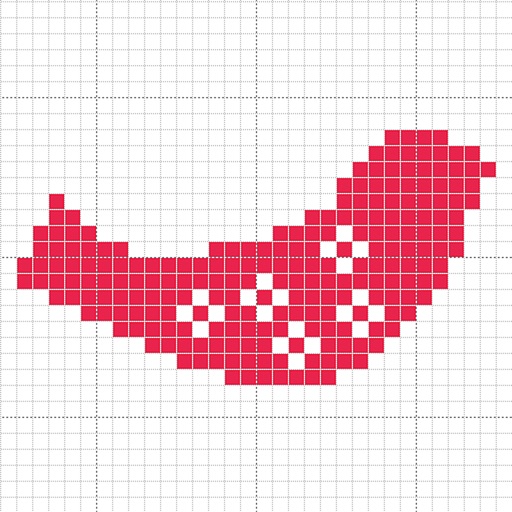
Create custom charts for crafts like cross stitch, bead weaving, knitting, and pixel art. Draw dotted images and design patterns with an intuitive touch interface. Export charts for use in projects.
Create and edit images with AI-generated art, logos, and tattoos. nime or art from text descriptions. Restyle photos using cartoon editors or AI headshot tools. Design logos and characters with specialized tools.
Customize home screen with and wallpapers. Download and install for favorite apps. Replace default with personalized options. Set wallpapers for iPhone home screen. Install via easy installer feature.
Customize iPhone home screen with pre-made collections and 500+ icons in styles like Minimalistic, Light, and Dark. Create custom icons, adjust designs, and add shortcuts to apps. Replace default icons and organize home screen layouts.
Edit photos with text addition, drawing tools in multiple colors, and cute icon placement. Crop images using various ratios. Export edited photos in different formats.
Type with over 40 custom across apps like Instagram, Facebook, and messaging platforms. Access more than 100 icons for expressive communication. Switch instantly within any application.
Convert HEIC, , and PNG images to or PNG formats. Maintain original quality. Use an easy-to-use interface to select and convert files. Save and share converted images directly.
Generate logos and icons using AI based on brand details. Customize 2D and 3D designs with settings adjustments. Export created graphics in various formats.
Create mandalas with customizable symmetry and brushes
Create intricate mandalas by adjusting canvas symmetry, background color, and brush settings. Use predefined patterns or images for drawing. Apply shadows and customize center points. Save and share completed designs.