Stay connected with students and parents by sending messages, accessing contact information, and managing rosters. View activity updates, set schedules, and track student progress in real time.
Learn numbers, hiragana, and basic words through interactive games. Play drills with cute characters and themed elements like food and vehicles. Track progress and repeat lessons for reinforcement. Share achievements with parents.
Show children images and sounds of vehicles like cars, planes, and ships. Tap to view enlarged images, hear sounds, and see written names. Includes 5 categories and a favorites section. Swipe or tap arrows to navigate through slideshows.
Adjust audio signals with noise gate and low-pass filtering. Use 6 preamp models and 3-band tone stack. Apply flanger, chorus, and phaser effects. Add echo, delays, and reverb. Mix impulse responses and adjust power amp settings.
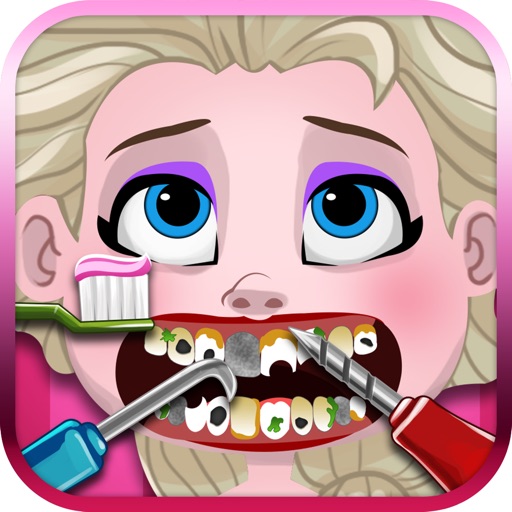
The app allows users to clean the teeth of 11 princesses using various dental tools. Users can also add extras like braces and stickers to the princesses' teeth.
Track devices by initiating a search and viewing found devices. Select a target device to locate. View real-time location data and receive notifications when the device is found.
Create 3D art with advanced editing tools. Build models using intuitive controls. Export to multiple formats. Use AR to preview creations. Design assets for games or the metaverse.
Learn musical notes, fingerings, and rhythms through interactive gameplay. Compete against up to three players on a single instrument. Earn ninja belts by improving speed and accuracy. Purchase additional instruments.
Study the by memorizing angles in radians and degrees along with their coordinates. Play a game to practice and track progress with a high score list. Compete to improve performance over time.
The app offers five activities including a carwash, tow truck, garbage and recycling sorting, bulldozer and dump truck play, and a vehicle parade. It teaches sequencing, sorting, and problem-solving skills for children aged 2-6.
Adjust tempo and time signatures with precise control. Program setlists and subdivisions. Sync multiple devices for rehearsals. Use flash and vibration cues. Automatically detect tempo from audio input.
Edit songs by changing key, speed, or rearranging sections like verses and bridges. Add lyrics manually. Create custom playlists and save song arrangements for performances.