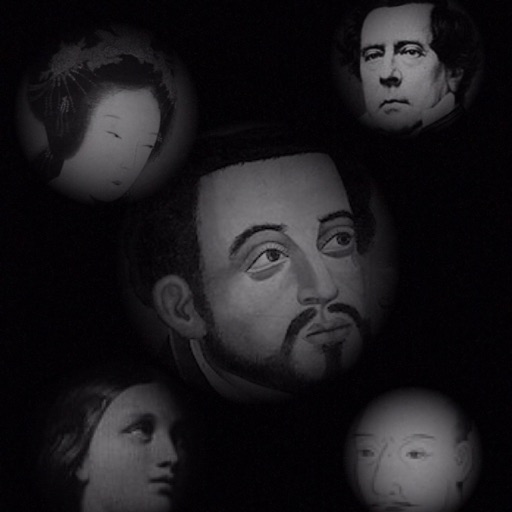
The app allows users to compose photos by combining images of people. Users can synthesize images in color or black and white, and adjust the size of faces using pinch gestures.
by Osawa Shunsuke★ 4.010 ratingsPhoto & VideoFreeData updated 2026-10-01
Faces in images using AI-powered tools. Replace faces with celebrities or characters. Edit headshots for professional quality. Create memes and avatars. Adjust facial features and expressions. Export edited images directly.
Allows users to remove people, animals, and objects from images using AI. Users can these elements into new backgrounds. Features include quick object selection, background removal, and photo montage creation directly on mobile devices.
Batch blurring allows users to faces and license plates across multiple photos simultaneously. Select specific faces or plates to keep sharp and adjust intensity. Protect sensitive data by ensuring private information remains obscured.
Capture low-resolution photos and videos in multiple formats including 144p, 288p, and 360p. Record with or without audio to reduce file size. Use flash and GPS location tagging (available as an upgrade). Preview image quality in real time.
Edit photos with skin tone adjustment, blush application, and shine reduction. Enhance eyes, lips, and teeth with tools. Mix colors for custom looks. Export edited images in various formats.
APPAS SOLUTIONS, SOCIETATEA CU RASPUNDERE LIMITATA
Take photos with 32x
Use 32x with pinch-to- controls. Take photos or record videos in 32x mode. Manually focus and use continuous flash. Save photos and videos in a private album. Import or export media from the private album.
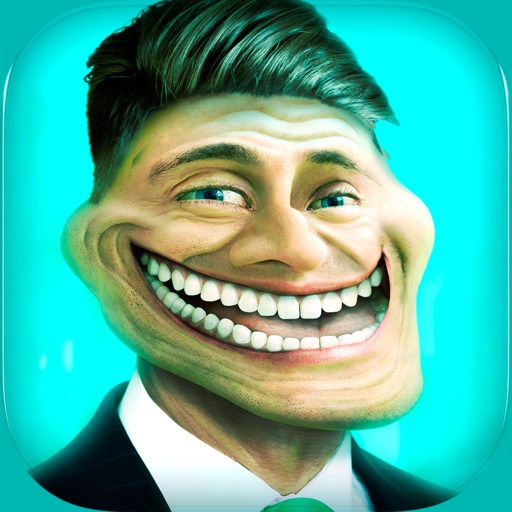
Create and share humorous photos with customizable faces, text, and comic bubbles. Add filters and effects. Edit images with built-in and text tools. Share directly to social media or messaging apps.
Enables manual adjustment of settings such as focal length, exposure, ISO, shutter speed, and white balance. Users can capture photos and videos with precise control.
Edit photos using a duotone style with two customizable colors for base and highlights. Adjust exposure, brightness, contrast, and saturation. Apply pre-designed duotone filters. Export edited images in various formats.
Merge numbered blocks to create higher values. Slide blocks to move them across the grid. Combine identical numbers for points. Adjust difficulty settings. Track high scores. Share achievements on social media.
Create stereo 3D images by capturing or selecting two photos. Adjust depth using orange arrow buttons and shift function. Choose from multiple 3D display modes including color, gray, and side-by-side.
Edit photos using 200+ professional and filters. Adjust exposure, contrast, and color balance. Crop and rotate images. Add text and borders. Export in various formats and share directly.