The app allows users to compose photos by combining images of people. Users can synthesize images in color or black and white, and adjust the size of faces using pinch gestures.
by Osawa Shunsuke★ 4.010 ratingsPhoto & VideoFreeData updated 2026-10-01
Capture photos and videos with high resolution up to 4032x3024 and 4K. Switch between front and back cameras. Use face detection, grid, and image stabilization. Zoom up to 10x. Adjust focus and exposure by tapping.
Edit photos with AI-powered unblurring, colorization, and face refinement. Restore damaged images and enhance group shots. Export in high definition and share directly.
The app converts the rest of an image to black and white while a selected color stands out. Users can select any color in a picture and adjust the color range to create images.
Edit photos and videos with advanced tools including exposure, ISO, and white balance adjustments. Adjust focus, color grading, and apply filters. Export in various formats and share directly.
Edit photos by adding customizable styles to faces. Select from various hairstyles, edit details, draw, and add stickers. Share modified images directly. Apply filters and adjust settings for enhanced visuals.
Provides guided sessions lasting 2, 5, 10, or 15 minutes. Includes soothing voiceovers with casual, relatable language. Allows users to pause, resume, or stop sessions. Tracks history and progress over time.
Edit photos with AI-powered toonification, caricature, and Pixar-style cartoon effects. Apply face filters, reface, and adjust digital art layouts. Add backgrounds and export edited images.
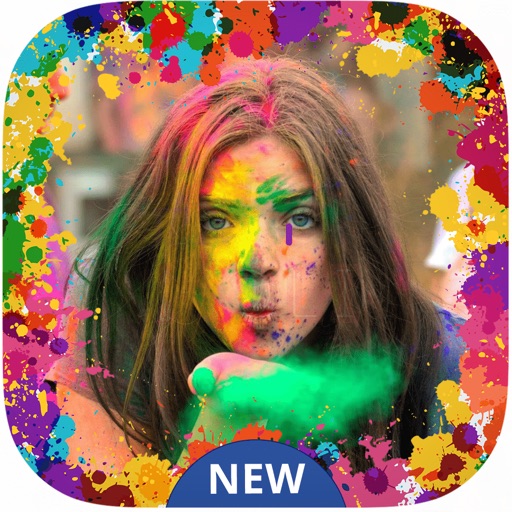
Create festive photos with 2D and 3D -themed . Add color particles and animated effects to images. Share edited photos directly to social media. Apply pre-designed collage templates. Adjust frame size and position for custom layouts.
Resize images to fit various formats like Instagram posts, stories, Facebook covers, or custom ratios. Adjust aspect ratios manually or select preset options. Apply Fit or Fill modes to scale images without cropping or stretching.
Convert images to vintage color palettes of old computers like IBM PC, Apple II, or Game Boy. Apply dithering methods including Floyd-Steinberg, Atkinson, and Bayer. Share edited images with others.
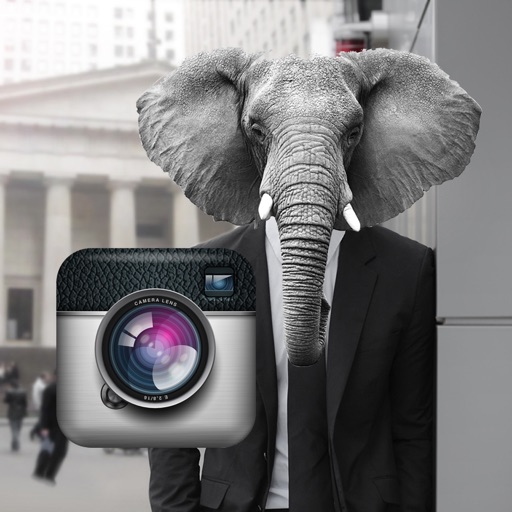
Edit photos by adding faces such as tiger, lion, bear, and giraffe. Choose from over 60 faces and objects like dinosaur and fish. Apply faces with a few taps and share edited photos directly.
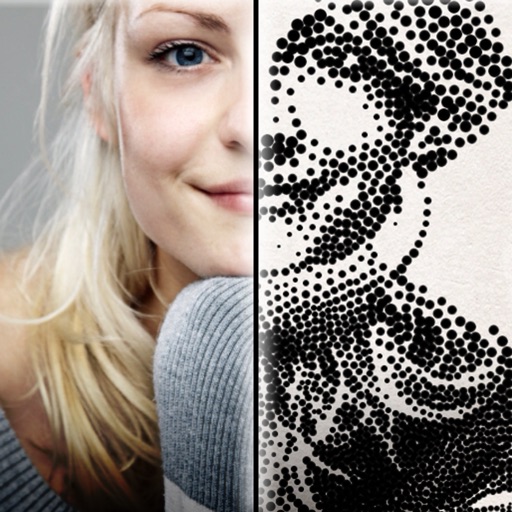
The app creates customized professional stipple drawings from photos using easy editing tools. Users can adjust contrast, brightness, and the number of dots to transform photos into unique works of art.