The app converts the rest of an image to black and white while a selected color stands out. Users can select any color in a picture and adjust the color range to create images.
by Revolve Works LLC★ 1.85 ratingsPhoto & VideoFreeData updated 2026-09-13
Arthur Eduardo Skaetta Alvarez Desenvolvimento de Software LTDA.
With one touch
Using AI to add color to black and white images. Import from camera or photo library. Adjust color intensity with a slider. Save or share the edited image.
Edit photos with enhancement tools, effects, and color splash. Add stickers, frames, and overlays. Create collages and custom drawings. Crop, rotate, flip, and straighten images. Adjust brightness, contrast, and saturation.
Edit photos by converting them to black and white while retaining selected details. Use multi-touch gestures to paint areas in black and white or restore original colors. Zoom in and out with two-finger pinching. Adjust and export edited images.
Create photo collages and composite images by combining up to 11 photos in a single layer. Remove unwanted areas with the background eraser tool. Adjust color tones to enhance image appearance. Export edited photos in various formats.
Create drawings and sketches on customizable canvas backgrounds. Record sessions as videos. Share creations with friends. Choose from preset color palettes for different coloring styles.
Color : Painting Book lets users select and color pre-designed characters. Features include drawing tools, color palettes, and saving artwork. Users can share completed drawings and access challenges to improve artistic skills.
Convert photos into sketches or cartoon avatars using 50+ effects like , Memory Style, and Old Movie Style. Apply 50+ cartoon effects to create humorous or artistic images. Save and share the edited photos directly.
With AI-based auto image enhancer. Upscale images up to 4X without loss of . Recolor black and white photos automatically. Edit photos with color adjustments and resolution improvements.
Convert photos to pencil sketches with adjustable effects including ink, outline, stony, charcoal, and cartoon styles. Support black and white and color pencil painting. Apply stylization, high contrast, and other advanced editing tools.
A with SOS feature, adjustable LED brightness, and customizable color schemes. Includes a dimming effect. Turns on instantly for quick use. Offers a clean, minimalist interface.
With filters, cropping, and adjustment tools. Apply beauty enhancements and double exposure effects. Use color splash and resize images. Access frames and story templates. Change resolution and export in multiple formats.
Edit photos with splash effects, convert images to black and white, or apply custom colors. Add filters, zoom in on photos, and use a brush tool. Export and share edited images directly.
Edit images with brightness, contrast, and other adjustment tools. Import photos and place them in customizable Story templates. Create gradients and use the dropper tool to match colors. Share edited content directly to Instagram .
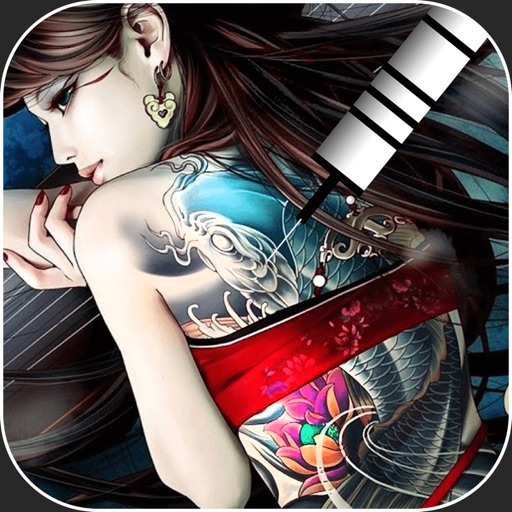
Create virtual tattoos on photos by selecting from 100+ black and white or 60+ color totems. Add text or captions and adjust position, rotation, size, font, or color. Save edited images to the photo library or share via social media.
Edit photos with nondestructive color adjustments, AI-powered automatic selections, and support for over 750 RAW formats. Use the Repair tool to remove unwanted objects. Export edited images in various formats and share directly.
Old by removing scratches, fixing damage, and enhancing clarity. Adjust brightness, contrast, and color. Share restored images directly or save in high resolution.
Create images with added text, , or poems over photos. Customize text color, size, font, and background. Add watermarks, logos, or QR codes. Share directly to Instagram.