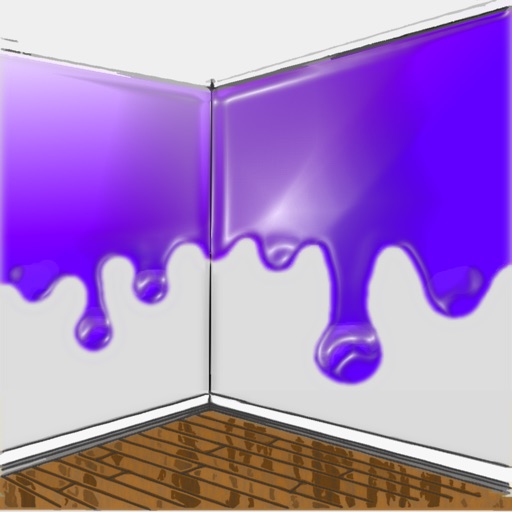
The app allows users to visualize new paint colors on their walls before painting. Users can try colors from a palette or sample real-world colors and apply them to photos of their home.
by Luminant Software, Inc★ 4.21,290 ratingsUtilitiesFreeData updated 2026-10-01
Create symmetrical Easter egg drawings with customizable background and brush colors. Select from four brush sizes. Save or share artwork. in random mode for automatic brush size changes.
Create and edit drawing tools and photo additions. Paint on images finger input. Move, rotate, and scale added . Save and share creations via social media apps. Offers a simple interface for note-taking and visual projects.
Edit photos by removing backgrounds with mode, object extraction, and quick select tools. Use transparent backgrounds for stamps and collages. Share edited images directly with other apps.
Display photos or free images on Samsung TV. Format, , mat, and sign images for display. Add a soft and multiple mats. Automatically adjust image size and layout. Share and manage photos directly from the .
The app provides layer support, selections, and masks for photo editing. Users can export projects with layers preserved and access various tools and filters.
Kids can pirate-themed images using finger painting techniques. They can mix colors and choose from a wide palette of crayons. The includes educational elements for preschool and kindergarten-aged children.
Create artwork using brushes, futuristic backgrounds, and glowing stickers. or paint with finger swipes. Add text and notes with the text editor. Apply effects to photos and over them. Save and share edited images.
Create and scan a chart to generate a palette. Use the smart to select accurate colors for drawings. Mix colors to achieve desired shades and save palettes for future use.
The app provides tools for photo editing and stop-motion video creation. Users can capture or load photos, apply effects, and arrange them to build stop-motion and time-lapse videos.
Control lighting with color tuning and scheduling. Adjust brightness and hues via wireless connection. Set timers and scenes for different times of day. Monitor energy usage and update bulb firmware through the .
Detect ferrous metal objects using the magnetometer. Calibrate the sensor with a figure-eight motion. Identify wood studs behind walls, drywall, plasterboard, or stucco. Performance may vary based on wall construction, phone cover, and nail material.