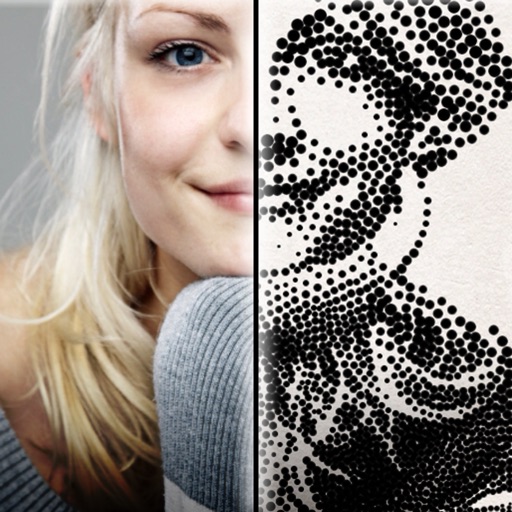
The app creates customized professional stipple drawings from photos using easy editing tools. Users can adjust contrast, brightness, and the number of dots to transform photos into unique works of art.
by Dotwerx LLC★ 4.639 ratingsPhoto & VideoFreeData updated 2026-09-30
The app offers a photo editor with tools for adding textures, stickers, and frames. Users can enhance photos with filters, adjust brightness and contrast, and remove blemishes.
Edit videos by merging and combining clips, creating slideshows, and adding music. Apply filters and effects like Glitch, Retro, and VHS. Adjust tone with contrast and brightness controls.
Add a to enhance images with dozens of beautiful and backgrounds. Choose from various background colors and filters. Adjust contrast, brightness, color temperature, sharpening, saturation, and color balance. Add text watermarks to photos.
Create monsters by photographing hand-drawn sketches. Convert 2D images into 3D animated characters. Customize features like eyes, mouth, and color. Export creations to view in a movie universe preview. Share generated animations directly.
Resize images to different sizes without cropping or adding borders. Adjust aspect ratios by compressing or stretching, which may distort the image. Best suited for landscape photos, backgrounds, real estate images, or drawings.
Create animated from videos, live photos, or continuous shots. Automatically rotate photos. Edit and customize . Share directly with friends or social media platforms.
Edit photos with HDR effects, filters, and detailed adjustments. Enhance images with powerful lighting and contrast tools. Save and share edited photos in various formats.
Create videos using pre-designed templates and custom editing tools. Add text, music, and transitions. Export in various formats and share directly. Import photos and videos from device storage. Adjust timing and effects for professional results.
Stylize photos using over 500 AI art styles from various movements. Edit and retouch images with professional tools. Work offline with on-device AI models. Keep data private with no cloud storage. Export edited images in multiple formats.
Instagram content without watermarks. Access profiles and stories. Copy share URLs from posts. to your feed or for later. Share reposted content to other platforms.
Edit photos with filters, effects, and auto retouching. Apply unique styles and vintage looks. Adjust brightness, contrast, and saturation. Add text and stickers. Export and share edited images directly.
The app converts photos into artistic pencil sketches with hundreds of controls. Users can select sketching styles, set background colors or textures, and adjust brightness and contrast.
The app organizes photos with customizable album layouts and a 3D browsing experience. It offers password protection, a powerful editor with real-time adjustments, and color-based photo searching.
Create collaborative art walls for special events. Invite others to add drawings, text, and photos in real time. Save and share finished creations. Edit and enhance artwork with tools like brushes, colors, and filters. Export as images or videos.
Edit photos with customizable HDR settings including effects, brightness, contrast, temperature, and hue/saturation. Capture high-resolution HDR photos in one click. View and manage HDR images in a dedicated gallery.
The app allows users to create photo and video collages with customizable layouts and enhancements. Users can add text captions, filters, and borders, and import media from various sources.
The app provides tools for creating sketches, doodles, drawings, and notes. It includes features like sketch paper, color pencils, erasers, a magnifying glass, smudge finger, and water blur.
Edit photos adjustable temperature, tint, and exposure settings. Use texture blending tools and apply effects. Add stickers opacity and shadow control, and include text 3D effects and multiple fonts. Crop, rotate, and straighten images.
Enhance low-resolution photos with AI upscaling. Remove blur and noise for sharper details. Adjust brightness, contrast, and color. Save and share improved images in HD format. Restore vintage photos to high-definition quality.