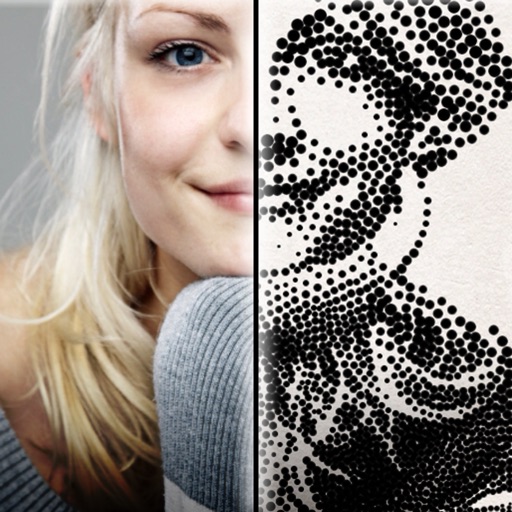
The app creates customized professional stipple drawings from photos using easy editing tools. Users can adjust contrast, brightness, and the number of dots to transform photos into unique works of art.
by Dotwerx LLC★ 4.639 ratingsPhoto & VideoFreeData updated 2026-09-30
Share photos, drawings, and notes directly to ' iPhone home screens. Tap posts to open the camera and send responses instantly. View updates and interact with content without opening the .
The app converts photos into comic book drawings with thick outlines and bold colors. Users can choose from five comic styles and add custom messages to speech bubbles.
Create and share digital art customizable brushes, unlimited colors, and layer support. Zoom, pan, and adjust brush parameters. Rotate, mirror, and undo steps. Participate in challenges like tracing or completing others' drawings.
Edit photos with color and film filters, vintage textures, and light leak effects. Adjust brightness, contrast, and saturation. Add vignettes and analog film sensations. Export edited images in various formats.
Hong Kong Source Research Society Supply Chain Limited
Apply retro filters to photos
Edit photos with retro filters that mimic classic film styles. Add light leaks and lens flares for artistic effects. Apply effects to enhance the nostalgic look. Share edited photos directly to social media platforms.
Edit photos by adjusting brightness, saturation, and contrast. Crop, rotate, and apply special . Draw on images, add text, and create graffiti. Share edited photos directly from the .
Edit photos and images with advanced tools for retouching, layering, and painting. Create multi-layered art and designs. Adjust colors, contrast, and lighting. Export in various formats and share directly.
Children can create drawings using a variety of brushes, including fluorescent and graffiti styles. They can paint freely with colorful tools. The provides a creative environment for learning to draw and explore artistic expression.
Edit photos with layers, filters, and brushes. Adjust brightness, contrast, and color. Add text and stickers. Export in multiple formats and share directly.
Create sketches from photos with adjustable brush settings and layer controls. Choose from multiple art styles including cartoon, silhouette, and watercolor. Edit sketches with tools for tracing, erasing, and color adjustments.
Edit photos by highlighting colors, removing or changing backgrounds, and blurring specific areas. Use healing and smoothing tools for precise adjustments. Create photo montages and export edited images directly.
Create self-portraits with various art styles such as watercolor, oil painting, and wire craft. Apply live effects or modify existing photos. Choose from multiple canvases and unique effects like droplet.
Create collages by combining photos, adding stickers, and applying effects. Choose from multiple layouts and templates. Edit images with cropping and filters. Share finished collages directly to social media.