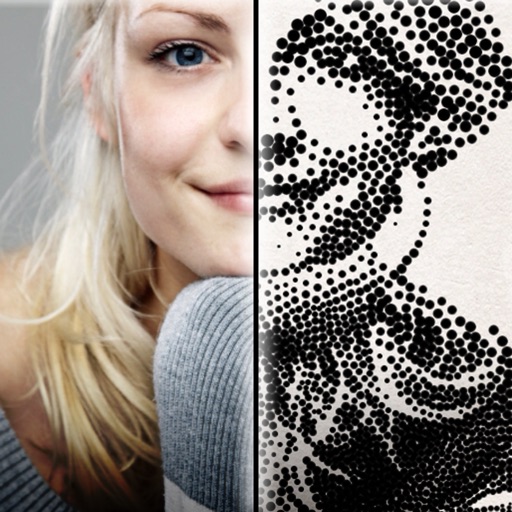
The app creates customized professional stipple drawings from photos using easy editing tools. Users can adjust contrast, brightness, and the number of dots to transform photos into unique works of art.
by Dotwerx LLC★ 4.639 ratingsPhoto & VideoFreeData updated 2026-09-30
Mount drawings with hundreds of realistic photo frames in various styles. Batch mount up to 20 drawings at once. Record and save drawing sessions. Share completed frames directly.
Scan and edit document photos with Smart Cropping for precise edge detection. Adjust background to remove shadows and enhance brightness. Export in PDF or JPEG formats. Support for ID and scanning.
Enhance photos with brightness, contrast, and saturation adjustments. Apply , add stickers, frames, and splash. Crop, rotate, flip, and remove red eye. Draw and paint on images. Add text with multiple fonts. Tilt shift and focus available.
Edit photos with blur background settings, shattering effects, and color frames. Add overlays and crop, rotate, or flip images. Import from gallery or camera, and share edited photos to social media.
Edit photos and drawings with AI filters for artistic styles. Create custom filters using neural networks. Upload images to generate new styles. Draw pixel art and save creations in collections. Publish artwork on NFT platforms.
By removing fading, scratches, and yellowing. Enhance color and clarity using AI. Convert black-and-white images to color. Adjust brightness, contrast, and sharpness. Export restored in high-quality formats.
The app offers a robust set of editing and effect features for a professional touch. Users can adjust color balance, contrast, and brightness, and apply effects like collage and oil paint.
The app allows users to edit photos by cropping and rotating them. It offers various frames and special effects, including classic, fashion, and artistic styles.