Turn your iOS device into a USB drive. Transfer files between device and computer via Wi-Fi or iTunes. Browse, play music and video, and edit text files. Create folders, sort files, and change view mode.
by Shenzhen Brown Bear Technology Co., LTD★ 4.3239 ratingsUtilitiesFreeData updated 2026-09-08
Browse the web with tabbed browsing, Google search, and address bar auto-completion. Save web pages with images for viewing and access full screen mode. quickly with force options and manage bookmarks.
Files between devices wirelessly without using mobile . Send photos, videos, contacts, and documents to another or computer. Initiate transfers with a single click. Supports multiple types for quick sharing.
Access files from any device across Europe. Sync folders from computers and external drives to the cloud. Selectively sync specific folders to different devices. Manage files securely with remote access and storage.
Organize files with smart photo detection to remove duplicates. Delete large video files automatically. Test internet speed with a single tap. Features include a simple interface, fast performance, and no data uploads for privacy.
The app offers planned audio/video playback, recording, and mixing. It supports various audio and video file types, with features for file management and playback control.
The app allows users to change the creation and editing times for files and folders. It supports batch operations for files, folders, apps, videos, music, photos, and documents.
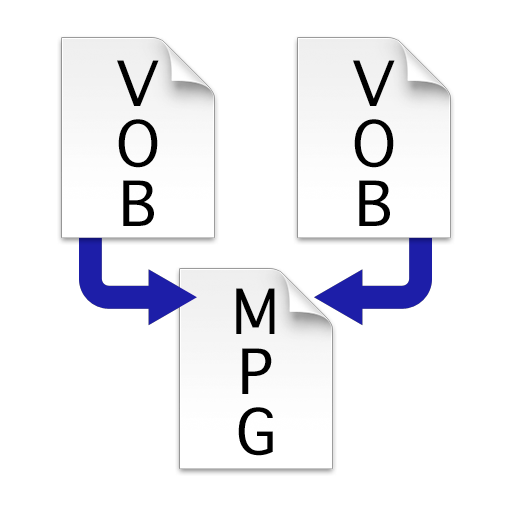
Combine multiple VOB files into a single MPEG file without re-encoding. Merge VIDEO_TS folders to create one large video file. Save and export the merged file for playback or transfer.
Create and manage team projects with visual workspaces. Upload and organize files in one location. Collaborate in real time with chat, comments, and video. Use simple tools to streamline workflow and track progress.
Play videos and audio files computer, cloud, NAS, or USB devices. Supports multiple including AVI, MKV, MP3, and FLAC. Customize subtitles with font settings. Add favorite files for quick access.
The app provides file transfer to and from computers and mobile phones. It offers file management with multi-layer folders, various file formats, and bulk deletion.
Capture and edit video with real-time image transmission and device file management. Adjust device parameters and perform firmware updates. Edit videos, customize reticles, and manage photo and video files.
Manage with unlimited folder and item additions. Adjust counts using plus/minus buttons or set decimal values. Highlight thresholds and track total value automatically. Perform batch operations like copy, duplicate, and color coding.
The app locates files with identical content, enabling users to reclaim storage space and organize their data. Users can review and delete duplicate files, with options for recovery from the Trash.