Apps Like Let's Draw : Drawing App for iPhone and iPad
Edit images, on photos, add text, share
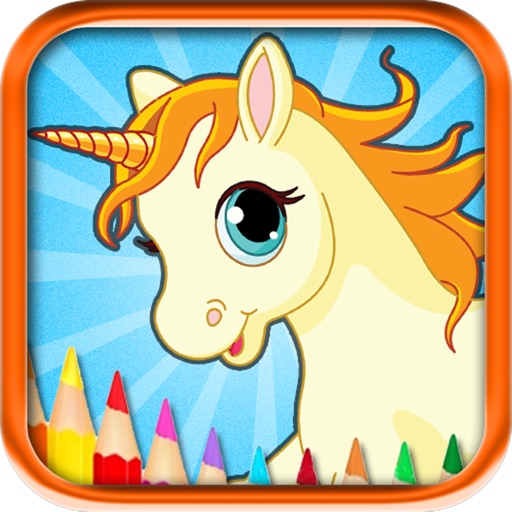
Edit images by on photos with 45 colors and five pen thicknesses. Use zoom edit and undo functionality. Add text with drag and pinch for free layout. Import from camera roll and attach images. Share edited content via email, Twitter, and Facebook.
by Shigeru Nakaya★ 4.720 ratingsEntertainment$0.99Data updated 2026-11-22
Apply to photos and videos in real time. Edit existing media from the camera roll. Organize into categories for quick access. Share edited content directly to social media. Adjust brightness, contrast, and color settings.
Convert black and white images to using selective recoloring. Select photos from the gallery or capture new ones. Pan and zoom for precise editing. Resize and fit images to the screen. Use redo and undo features for error correction.
Apply winter-themed to images. Adjust frame opacity and position. Share edited photos directly. Add text overlays and decorative elements. Export in various formats.
Create with customizable designs organized into categories like birthday, love, and nature. Add background to photos. Edit images by adding text, stickers, and decorative elements. Export and share edited photos.
Create and edit drawings using a variety of brushes and colors. Import images for reference. Save and share artwork. Access tutorials and tools for beginners and artists.
Create lock screen backgrounds with personalized names. Type in or initials to preview designs. Choose from over 40 unique wallpaper options. Save images to camera roll and set as lock screen.
Create custom emojis by adding eyes, lips, hairstyles, hats, glasses, beards, mustaches, and props. Add text with various colors and fonts. Rotate, move, and zoom and text. Share emojis and memes directly within chats or social media.
Edit photos by drawing on them with adjustable brush sizes and color choices. Use an erase tool and undo/redo functions for precision. Save edited images for later changes or share them directly on social networks.
Take photos or select images from the camera roll. Add festive stickers to create holiday-themed images. Save and share creations via email, Twitter, or Facebook.
Control TV with functions and media playback. Cast photos and videos from Camera Roll. Switch apps and channels. Use keyboard for text input and search. Premium subscription available for enhanced features.
Create art with customizable colors, brush sizes, and opacity. Import photos from camera or library. Save and share designs via social media, email, or SMS. Clear canvas for new creations.
Download video classes for drawing, painting, sewing, quilting, knitting, jewelry making, and more. Access project ideas and expert guidance. Track progress and manage subscriptions. Start a free trial to explore courses.
Create and edit drawings with a variety of colors and brushes. Sketch freely and refine details. Save, share, and publish artwork. Include step-by-step process for each drawing. Export in multiple formats and share directly.
Edit photos with cropping, filters, and adjustment tools. Add tattoos and custom designs to images. Share edited photos directly or save them to your device.
Edit photos with splash effects, convert images to black and white, or apply custom colors. Add filters, zoom in on photos, and use a brush tool. Export and share edited images directly.
Read and manage from PDF, image, text, and MIDI files. Import scores via camera, photos, or files. Organize by title, artist, and setlist. View scores in horizontal, vertical, or two-page modes. Annotate with pen, text, shapes, and stamps.
The app provides a coloring book and drawing pad with over 70 pictures of dogs and cats. It includes 9 brushes and over 50 texture pattern brushes, with a feature to replay coloring sessions as a film.