Apps Like Let's Draw : Drawing App for iPhone and iPad
Edit images, on photos, add text, share
Edit images by on photos with 45 colors and five pen thicknesses. Use zoom edit and undo functionality. Add text with drag and pinch for free layout. Import from camera roll and attach images. Share edited content via email, Twitter, and Facebook.
by Shigeru Nakaya★ 4.720 ratingsEntertainment$0.99Data updated 2026-11-22
Create short videos by arranging clips, adding music, and applying effects. Edit footage instantly without complex tools. Save videos to camera roll or share via email, Twitter, and Facebook.
Capture -angle and panoramic photos using real-time lenses. Adjust distortion levels and select from multiple presets. Edit images with crop, rotate, and brightness tools. Share photos directly to social media or save in high-resolution formats.
Create soccer lineups by dragging and dropping players or selecting formation templates. Edit player names and jersey numbers. Add substitutes and arrows to indicate areas of influence. Choose team sizes from 5-a-side to 11-a-side.
Edit photos with transformation tools, including abs, chest, hairstyles, and beards. Adjust eye lens colors and apply light effects. Use advanced photo editing features to enhance appearance and create realistic professional looks.
Over image templates with automatic pen tracking for accurate . Select from preloaded categories like animals, flowers, and vehicles. Choose from over 150 colors to customize drawings. Export final artwork in various formats.
Create detailed technical illustrations and artistic designs with vector editing tools. Draw, reshape, and color elements with precision. Import and export files in multiple formats. Use layers, masks, and effects for advanced design work.
Edit photos with 12 blend modes including overlay, multiply, difference, and exclusion. Combine foreground images from a growing library of over 400 options. Export and share edited creations.
Create drawings and paintings using a variety of colors and brushes. Select from pre-drawn shapes and stickers. Save artwork to device storage. Share creations via social media or email.
Create and edit digital artwork with layers, brushes, and custom tools. Adjust colors, brightness, and contrast. Import photos and sketches. Save and export in various formats. Apply filters and effects. Collaborate with others through cloud sharing.
Create digital art with layers, brushes, and customizable palettes. Import images and vector graphics. Save and export in various formats. Access tutorials and community features. No ads during use. One-time purchase for permanent access.
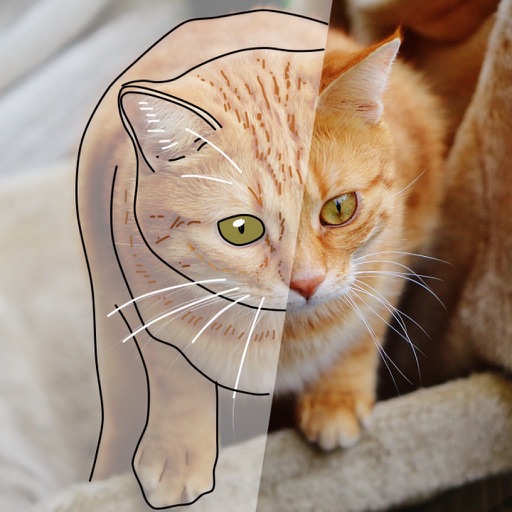
Allows users to draw grids over images for precise copying, scaling, and tracing. Features include adjustable sizes, reference image overlay, and zoom capabilities. Users can export drawings and share files directly.
Create videos by selecting templates, adding images, and customizing text. Rotate images and use stickers. Share videos across platforms. Access trending content and new daily videos. Add personal signatures and edit clips with improved tools.
Edit photos by adding realistic scars, cuts, and bruises. Adjust transparency and blur for a lifelike appearance. Share modified images with friends and family.
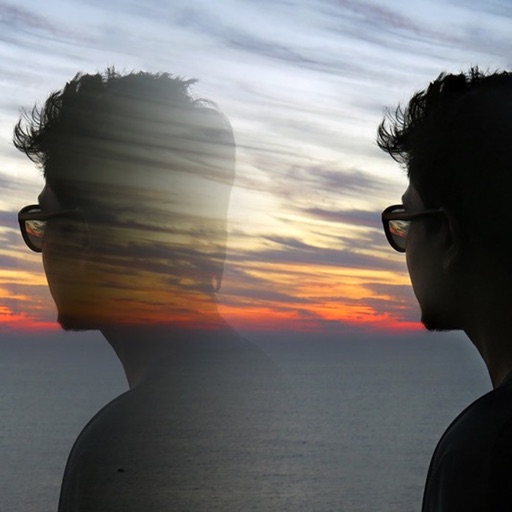
Edit photos with blending tools to create double exposure effects. Add frames, quotes, and background elements. Apply single-layer filters. Export edited images without ads. two images with one touch.