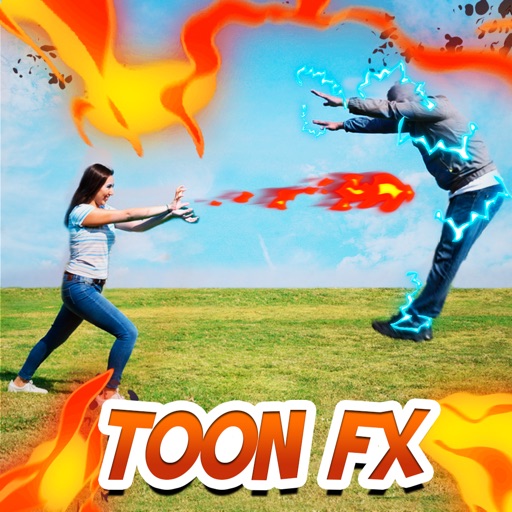
Apply filters to live camera feed to create cartoon-style images. Capture photos or record videos with real-time cartoon effects. Adjust styles and save edited content directly.
by Eun Junseok★ 3.01 ratingsPhoto & VideoFreeData updated 2026-09-08
Edit photos with filters, collages, and stamps. Add text and stickers. Save to albums. Share directly to blogs and social media. Apply toy camera effects. Adjust brightness and contrast. Crop and resize images.
Add frames, patterns, colors, and blur effects to profile pictures. Adjust background color and apply instant DP borders. Resize and rotate images for Instagram. Post full-size photos without cropping. Create images for social media.
Edit photos with filters, backgrounds, patterns, textures, frames, and stickers. images to format. Access photos from the gallery or capture new ones with the camera. Apply creative tools to enhance and style images. Share edited photos directly.
Record video using front and rear cameras at the same time. View content in picture-in-picture mode. Animate scenes in real-time. Capture moving circles around the subject. Share videos directly from the .
Transform photos into AI-generated cartoons, stickers, posters, and wallpapers. Edit images with filters, adjust colors, and add text. Share creations directly or export in multiple formats.
Add authentic date, time, and location watermarks to photos and videos. Sync with network time for accurate timestamps. Embed GPS data even if device time is altered. Use for documentation in construction, traffic incidents, and evidence collection.
The app processes iPhone camera preview in real time with effects like sketch, sepia, and thermal camera. Users can choose front or rear cameras and save or share photos.
Create photos using AI-powered smart filters. Adjust exposure, contrast, and saturation. Apply style presets or customize filters. Save and share edited images directly.
Capture photos with filters and adjust sensitivity for creative control. Save and share edited images directly to device storage or social media. Use an intuitive interface to edit without technical barriers.
Apply -themed to images from the gallery or camera. Adjust frame size and position by rotating, scaling, zooming, or dragging. Choose from fifteen in various shapes and colors. Save edited photos to the device.
Capture and edit photos with AI-powered enhancements. Adjust colors, brightness, and contrast. Apply filters and effects. Add text and stickers. Export in various formats and share directly.
Create flipbooks by importing images, capturing photos, or scanning documents. Rearrange pages and adjust flip speed. Export as video or share directly. Convert physical flipbooks to digital format.
Clone and remove people or objects from photos automatically. Apply one of 11 effects to enhance clones or alter backgrounds. Edit images without manual selection or layout setup. Share edited photos directly.