Use the camera to trigger a 3D animated "Kumamon" character that appears in the frame. Locate nearby Kumamon markers using the . Take photos with Kumamon and share them with friends.
by Kumamoto Broadcasting Co.,Ltd.★ 0.00 ratingsPhoto & VideoFreeData updated 2026-09-08
Allows users to edit group photos by removing unwanted people or faces. Adjust expressions and reposition individuals within the frame. Apply filters and effects to enhance the overall appearance of the image.
Capture high-quality photos with resembling DSLR functionality. Adjust focus, exposure, and other settings via gesture-based interfaces. View focus peaking and use a 4x magnifier for precise focusing. Display minimum focus distance for macro shots.
Take official ID photos for passports, visas, Green Cards, and DMV licenses. Follow step-by-step guidance to ensure compliance. Capture and submit photos directly for government applications.
Take photos by setting time from 1 second to 180 seconds. Capture night scenes, fireworks, and starry skies. Use Bluetooth remote shutter for hands-free shooting. Adjust settings for dark environments to avoid overexposure.
Create custom characters by uploading photos and using AI to generate art images. Edit and enhance character designs with various tools. Share generated artwork directly with social media or email.
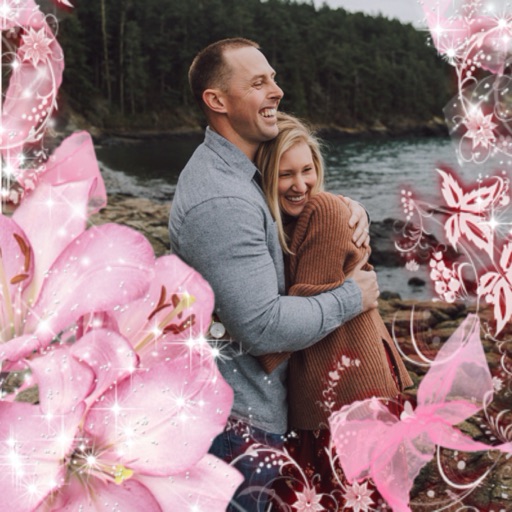
Edit photos by applying and effects. Select images from the gallery or camera. Adjust frame position, size, and angle. Choose from multiple stylish frame options and effects.
Select a or take a new one with the camera. Choose from over 30 colorful to decorate images. Apply different frame styles and designs. Save edited photos to the gallery and share them on social media.
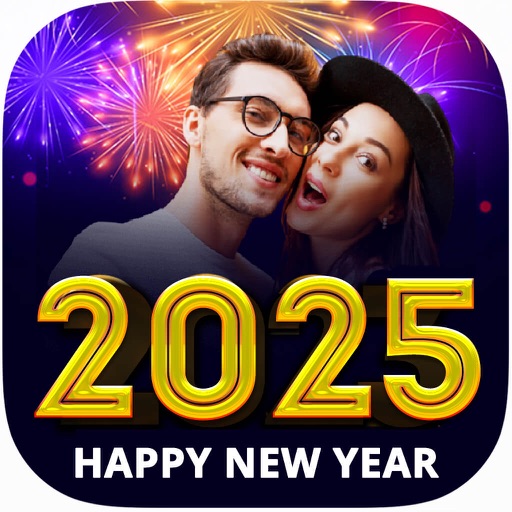
Apply New to photos and share them with friends. Create and share New stories. Set New wallpapers as background images. Decorate trees with holiday balls and lights.
Create -themed with multiple creative options. Select images from gallery or camera. Apply effects for enhanced visuals. Share photos on social media platforms. Save edited images in high resolution.
Create artistic images using 50+ custom templates. Crop and frame photos into symbols, words, or shapes. Share finished images to Instagram, Facebook, Flickr, Tumblr, and Twitter.
Create holiday e-cards by selecting from 40+ photo frame templates. Choose a photo from the gallery or camera. Apply effects to personalize cards. Save and share finished designs.
Turn photos into animated videos with AI technology. Add fake singing, cartoon faces, and special effects. Create dynamic videos from selfies, group photos, or old photos. Share finished videos directly.
Take photos with real-time animated effects in the camera preview. Choose from 18 animated effects to enhance images. Save photos as static JPEGs or purchase an in- option to save animations. Share edited photos directly.
Restore faded photos and enhance image quality using AI. Transform static images into animated portraits. Add motion to create dancing or joyful scenes. Edit and share enhanced photos directly.
Edit photos with AI-powered transformations, including meme creation and character swaps. Generate funny images like "future kid" or animal transformations. Share results on social media, save favorites, and send to friends.
Add , Beards, Christmas Trees, custom text, and Claus to photos. Adjust hat size and placement. Use zoom for detailed edits. Erase parts of . Export edited photos.