Write notes and sketches using fingers or a stylus. Choose from five colors: black, red, blue, green, and pink. Save color selections with a bottom button. Draw on a blank canvas with smooth, multi-touch support.
by Kiyoshi Koike★ 2.52 ratingsProductivityFreeData updated 2026-09-08
Manage phone with multiple selection and one-shot deletion. Add or edit individually. Organize into groups and manage group members. Sync across devices and recover lost data from cloud backups.
View two different albums side by side or compare photos directly. Swipe left/right to navigate, pinch to zoom, and double-tap to enter full-screen mode. Create combined side-by-side images and access detailed EXIF data.
Track scores and time for sports games with real-time updates. Display game stats, manage multiple teams, and receive alerts. Sync with Apple Watch for hands-free use. Share results and export data directly.
Create 3D structures by applying to draw circles that expand with force. Use 3D Touch to generate random color profiles and explore sensitivity. View dynamic color changes and interactive drawing effects.
Edit by adding customizable with unique fonts. Adjust photo size and crop images. Modify color, add borders, and adjust brightness. Share edited directly from the .
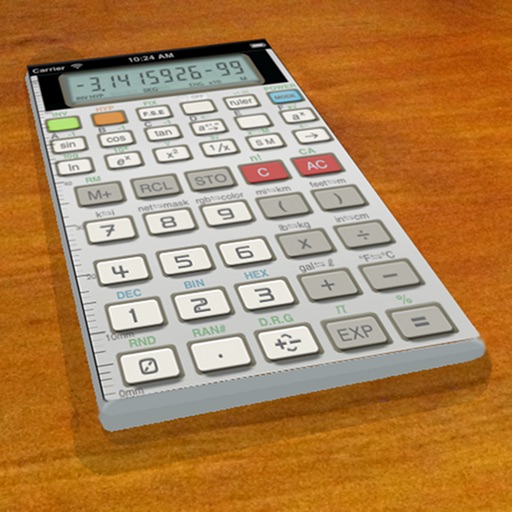
A vintage-style scientific calculator with a retro LCD display and realistic key sounds. Perform basic and advanced calculations, use shift functions, and access additional modern features like parentheses and memory storage.
Display contacts as map annotations. Annotate multiple contacts at once with a single button click. View address book and map side-by-side on iPad. Highlight contacts by tapping their address or map annotations.
Calculate taxes with a dedicated tax button and grand total function. Display equations and results simultaneously on a double line interface. Round to two decimal places and correct mistakes easily. Email or copy tape entries for record keeping.
Edit photos using adjustable filters for brightness, contrast, saturation, color temperature, highlights, shadows, and color. Add text to images for customization. Preview in real time. Remove previous settings. Save edited photos to the device.
The app provides vector drawing tools including lines, shapes, and freehand drawing with vectorization. Users can edit object attributes, use snapping functions, and manage drawings across multiple layers and an object library.